.png?fit=max&auto=format&n=kg7DOeb3LjeDp7us&q=85&s=97f9180a06d637bed699a5478a30463b)

UBO Invitation
When a business declares its owners, each one gets an email. This is what happens from the moment you open it.UBO stands for ultimate beneficial owner — anyone holding 25% or more of a company, or with significant control over it. Regulators require each one to be identified by name.
1. The invitation
Opening the link greets you by name and states who invited you and in what capacity — for example “Tunde Adewale invited you to Edu Travels as a controlling owner” — with “Confirm the details below”. A card summarises it: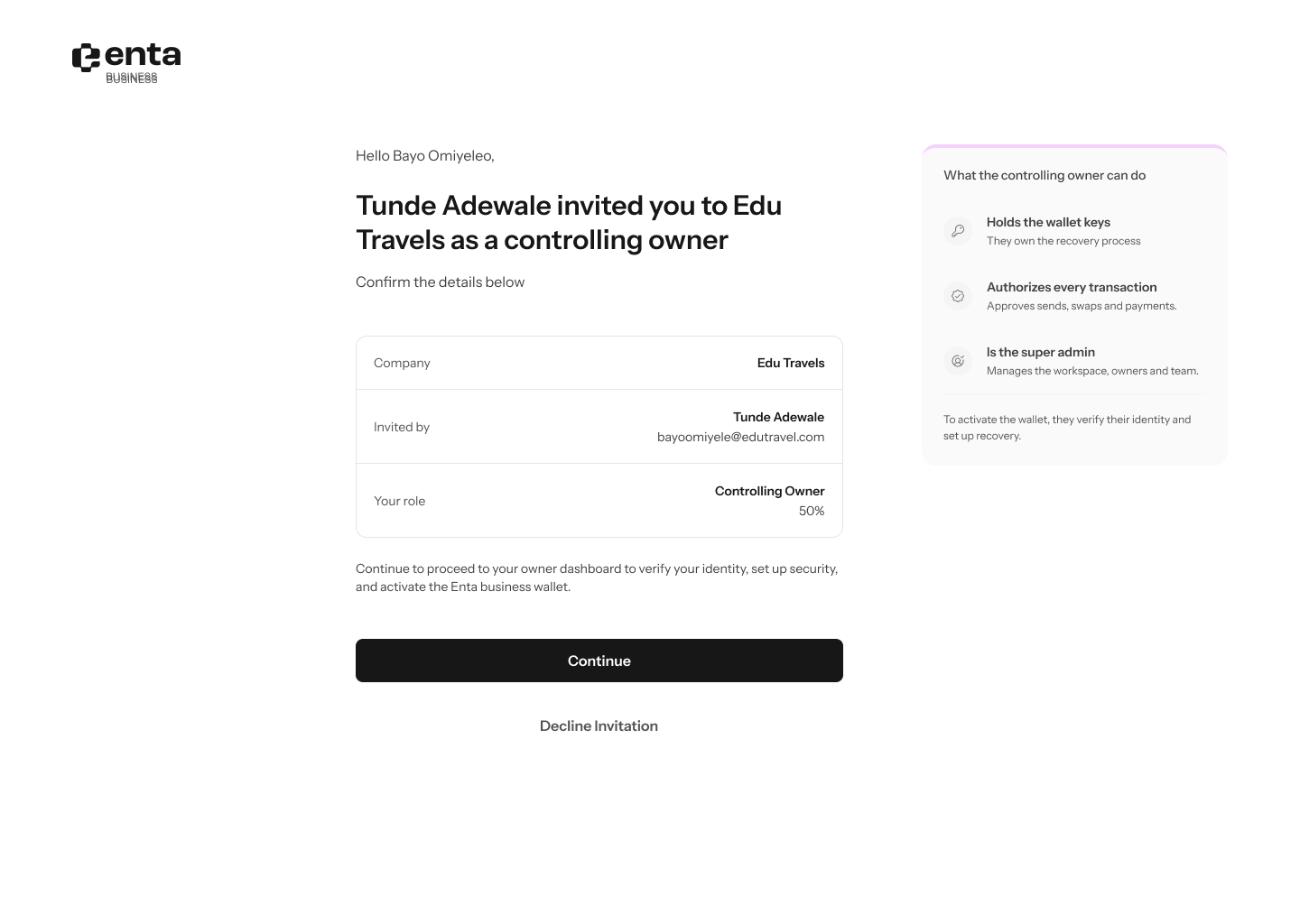
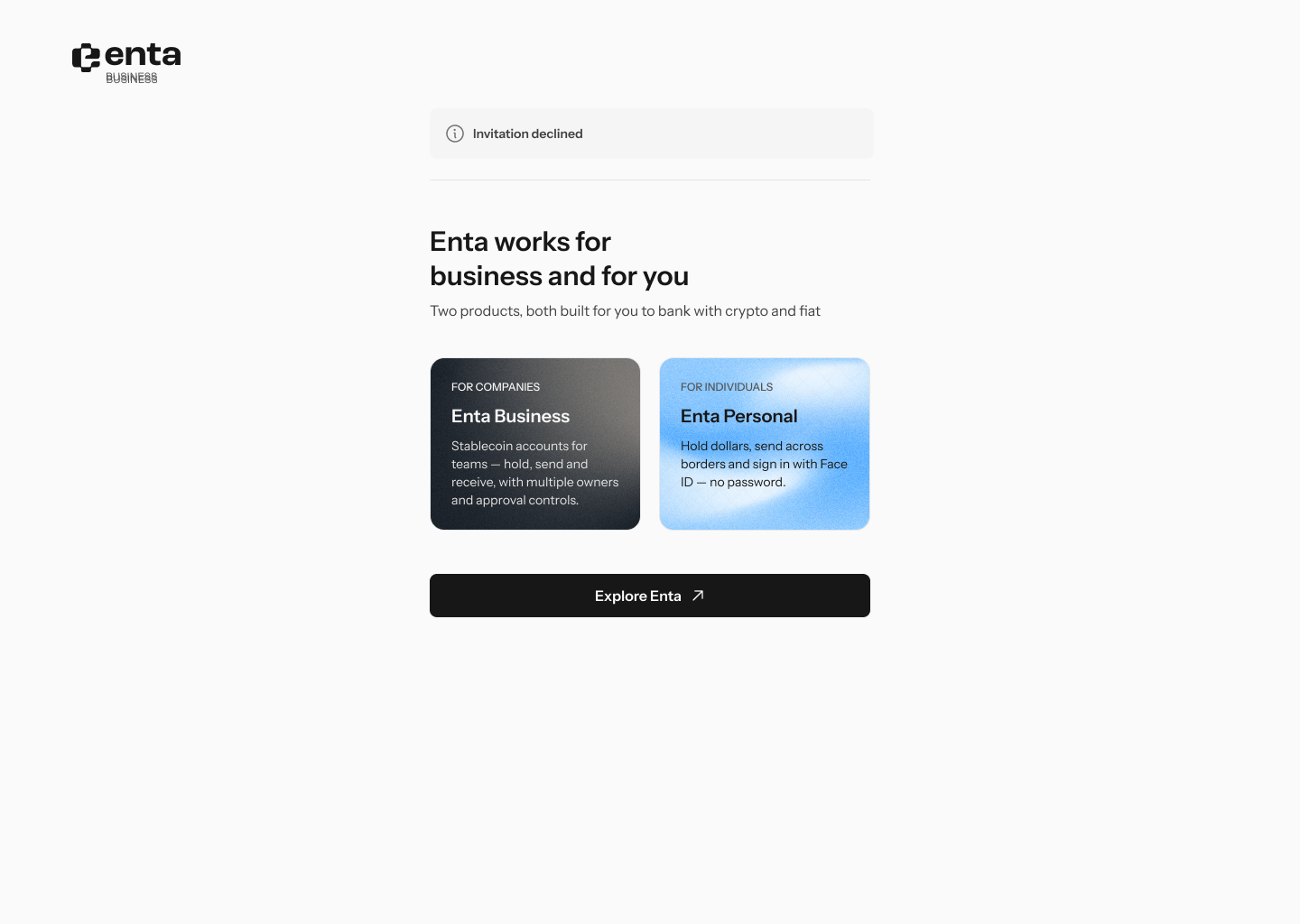
2. Declining
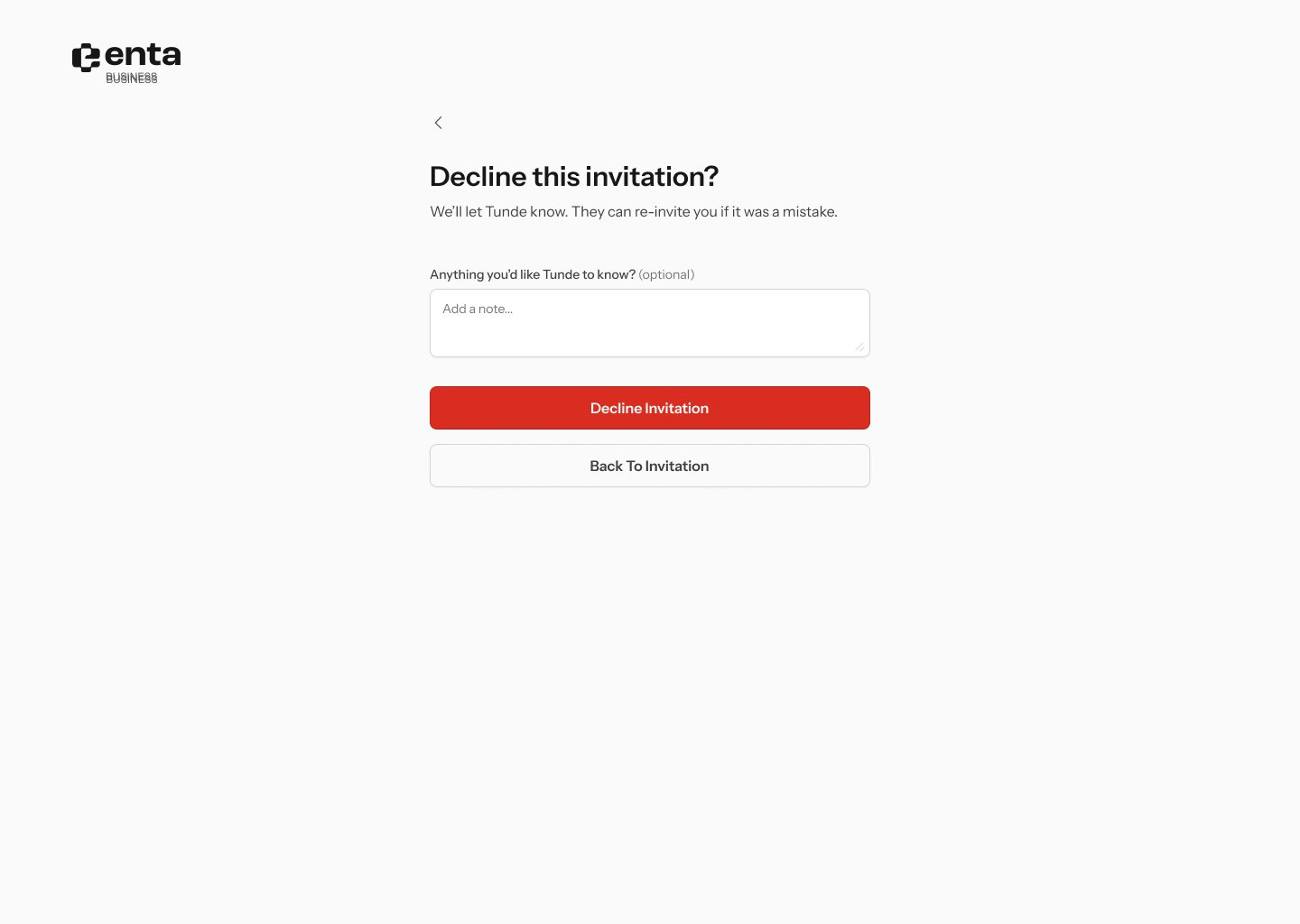
Decline invitation asks you to confirm: “Decline this invitation?” — “We’ll let Tunde know. They can re-invite you if it was a mistake.”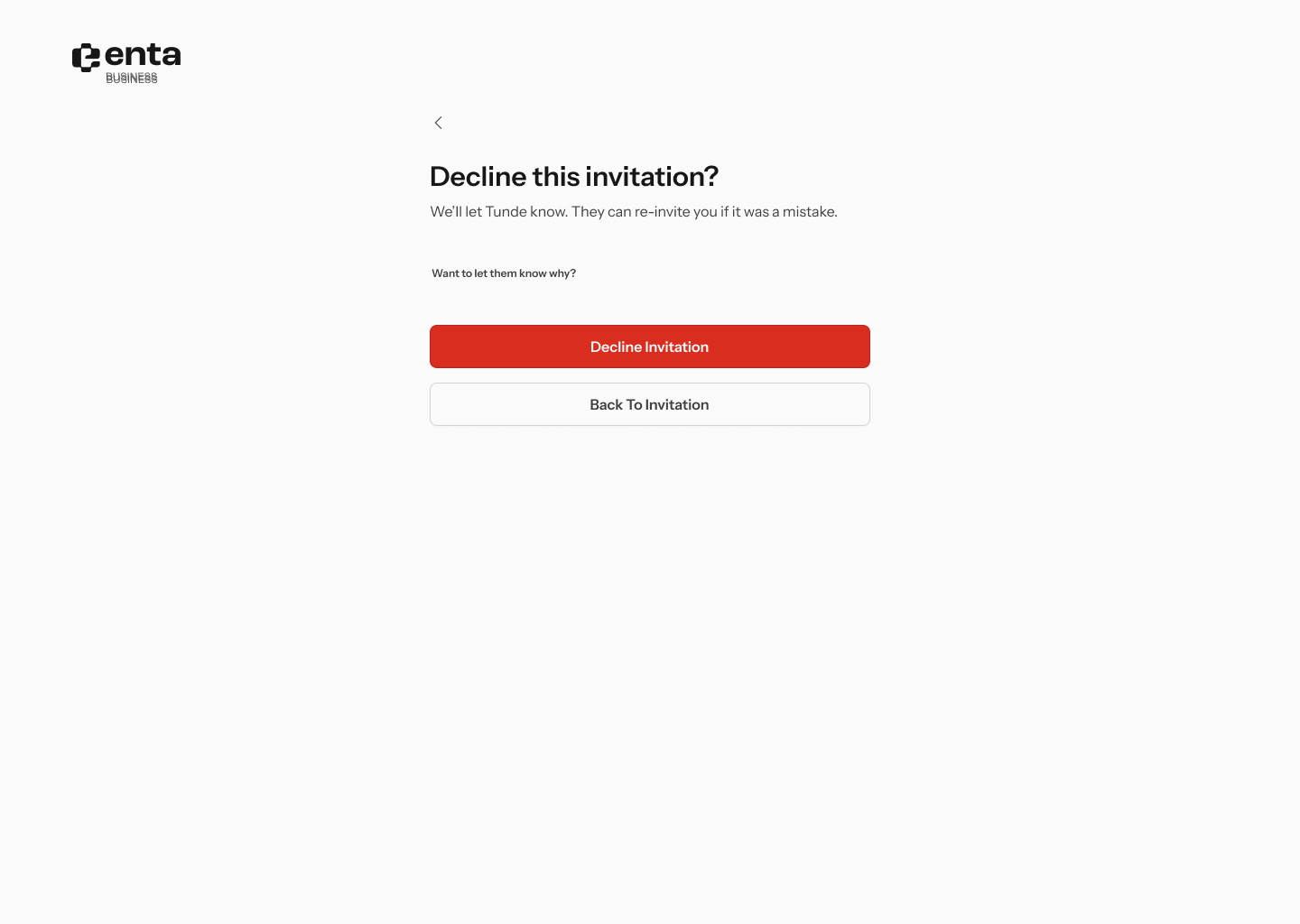
3. Continuing — your dashboard
Continue takes you to your owner dashboard, greeted by first name, with a Your progress checklist and an Owners identity verification list showing every owner and whether they’re Pending or done. What’s on your checklist depends on your role.If you’re the controlling owner
Sub-headline: “The wallet activates once you complete verification & setup security”. Four items: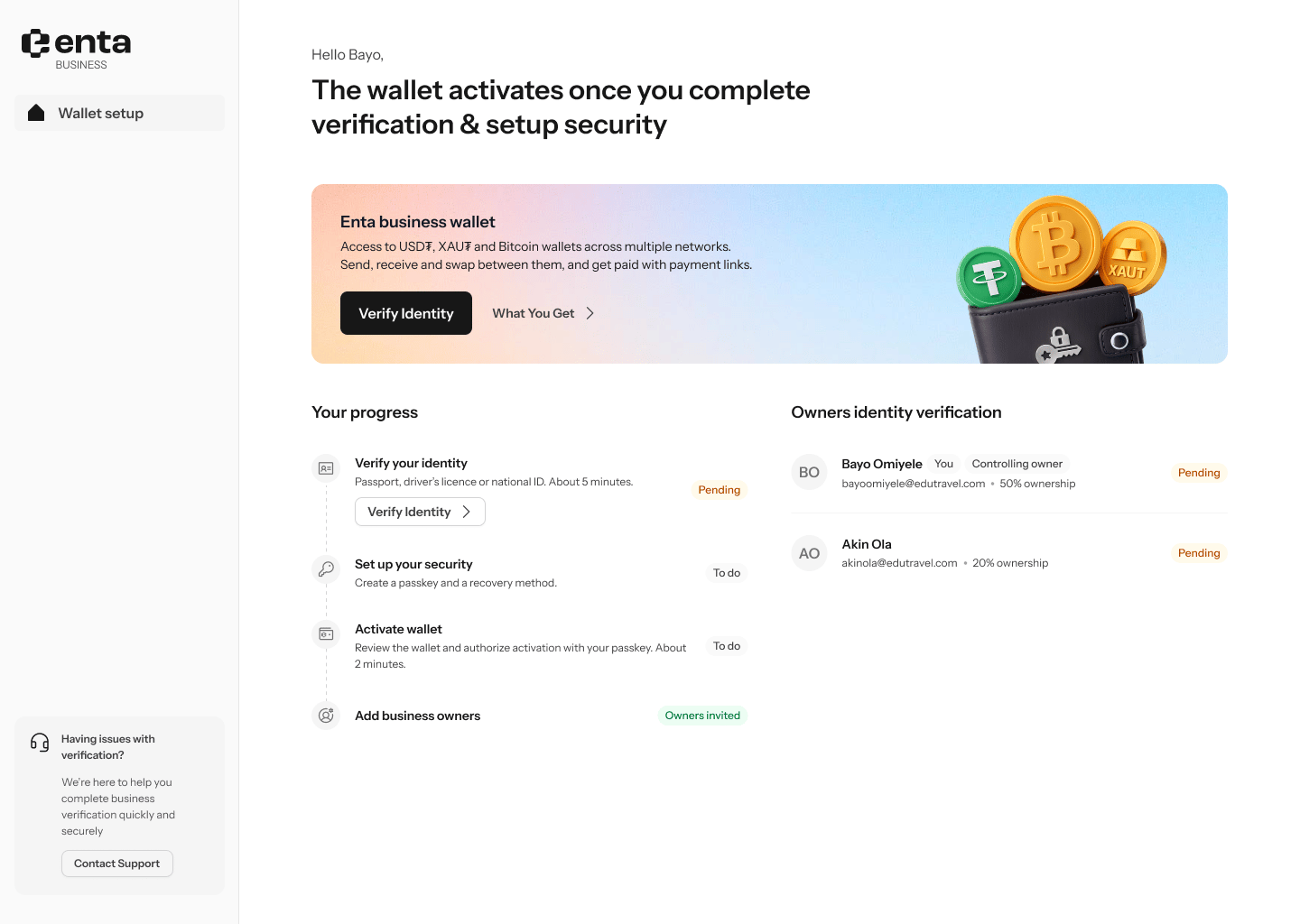
If you’re an owner but not the controlling owner
Sub-headline: “You’ve set up Edu Travels. The wallet activates once the controlling owner verifies.” Only two items — Verify your identity, and Add business owners marked Done. No security setup, no wallet activation.If you’re a delegate
The same sub-headline, but the dashboard greets the company rather than you, the task reads Verify controlling owner’s identity, and there are no action buttons at all. It’s a waiting room.4. Next: verify your identity
Verify Identity starts your own KYC — profile, address, then a selfie and photo ID. See UBO KYC. Once everything is done, the wallet goes live and you land on your business home screen with “Your crypto wallet is live” — “Send, receive and swap across major networks.”