.png?fit=max&auto=format&n=kg7DOeb3LjeDp7us&q=85&s=97f9180a06d637bed699a5478a30463b)

KYB Landing
This is the stage that activates your wallet. You list everyone who owns the business, pick which one holds the keys, and Enta emails each of them to verify their identity.Invited owners get their own journey from the email onwards — see UBO Invitation.
1. Your wallet setup page
The dashboard greets you by company name — “Hello Edu Travels,” — with “Activate your wallet for crypto transactions”, and a Your progress checklist showing Add business owners and Verify controlling owner’s identity, both Not started.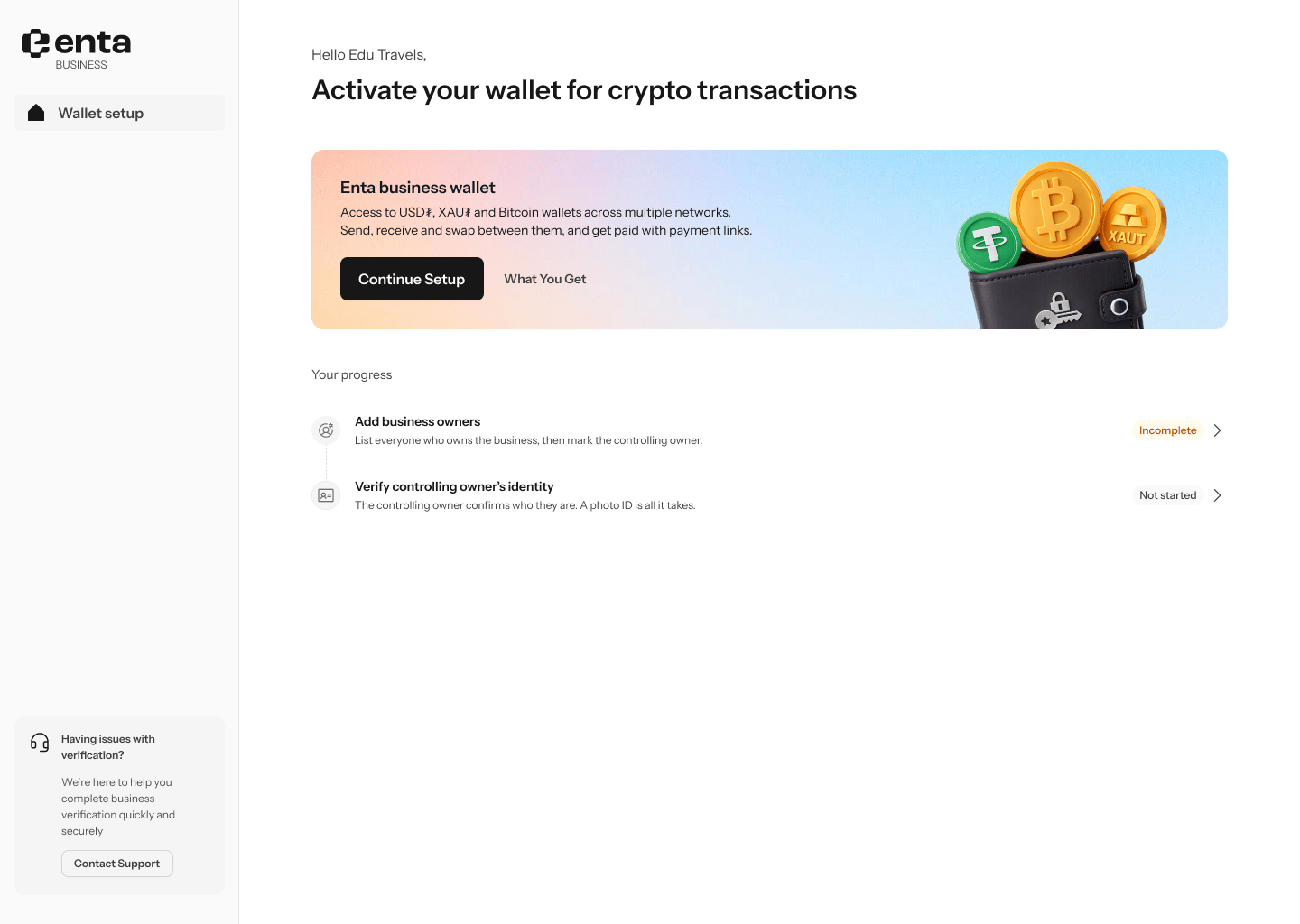
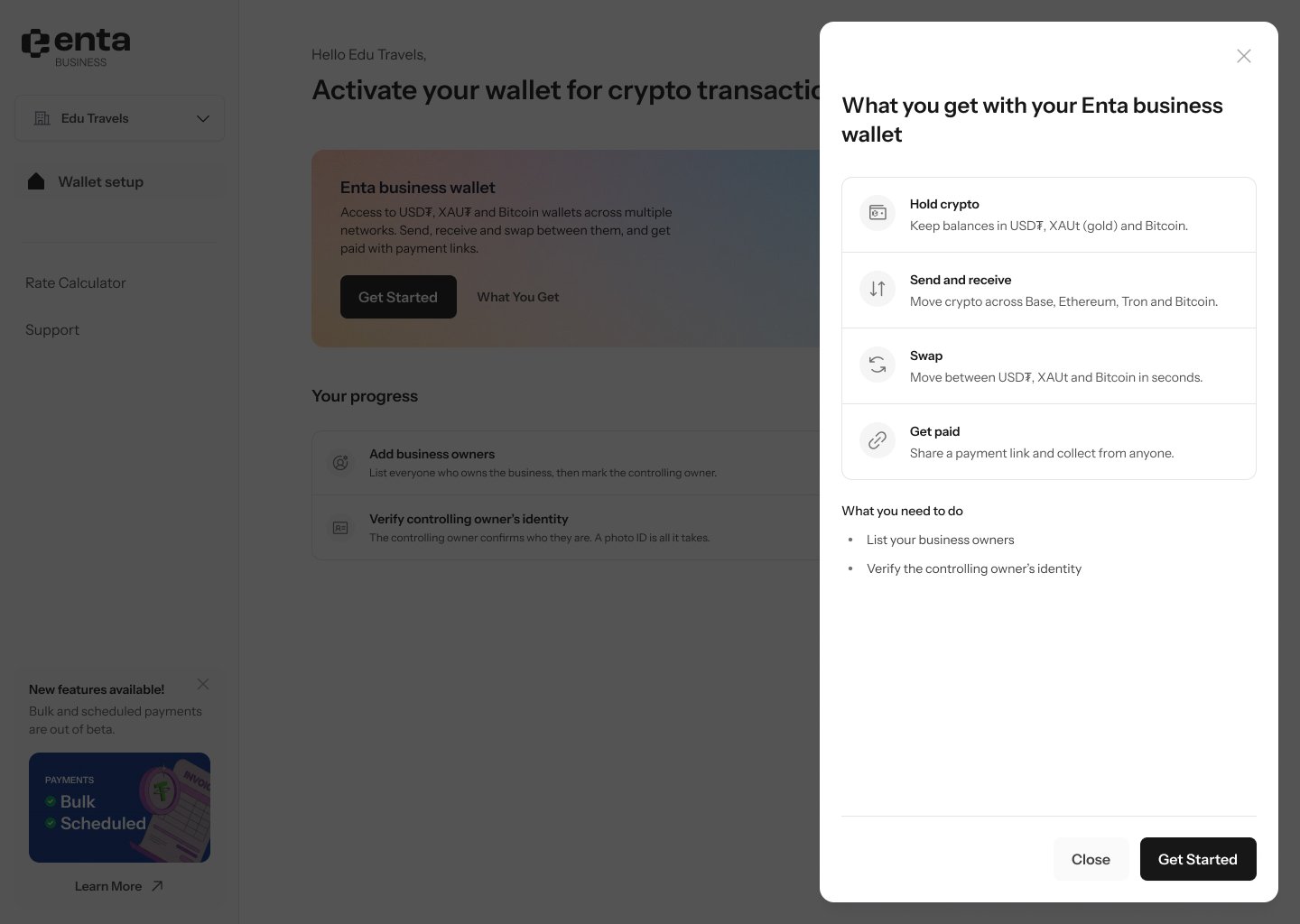
- Hold crypto — “Keep balances in USD₮, XAUt (gold) and Bitcoin.”
- Send and receive — “Move crypto across Base, Ethereum, Tron and Bitcoin.”
- Swap — “Move between USD₮, XAUt and Bitcoin in seconds.”
- Get paid — “Share a payment link and collect from anyone.”
2. Step 1 of 3 — are you an owner?
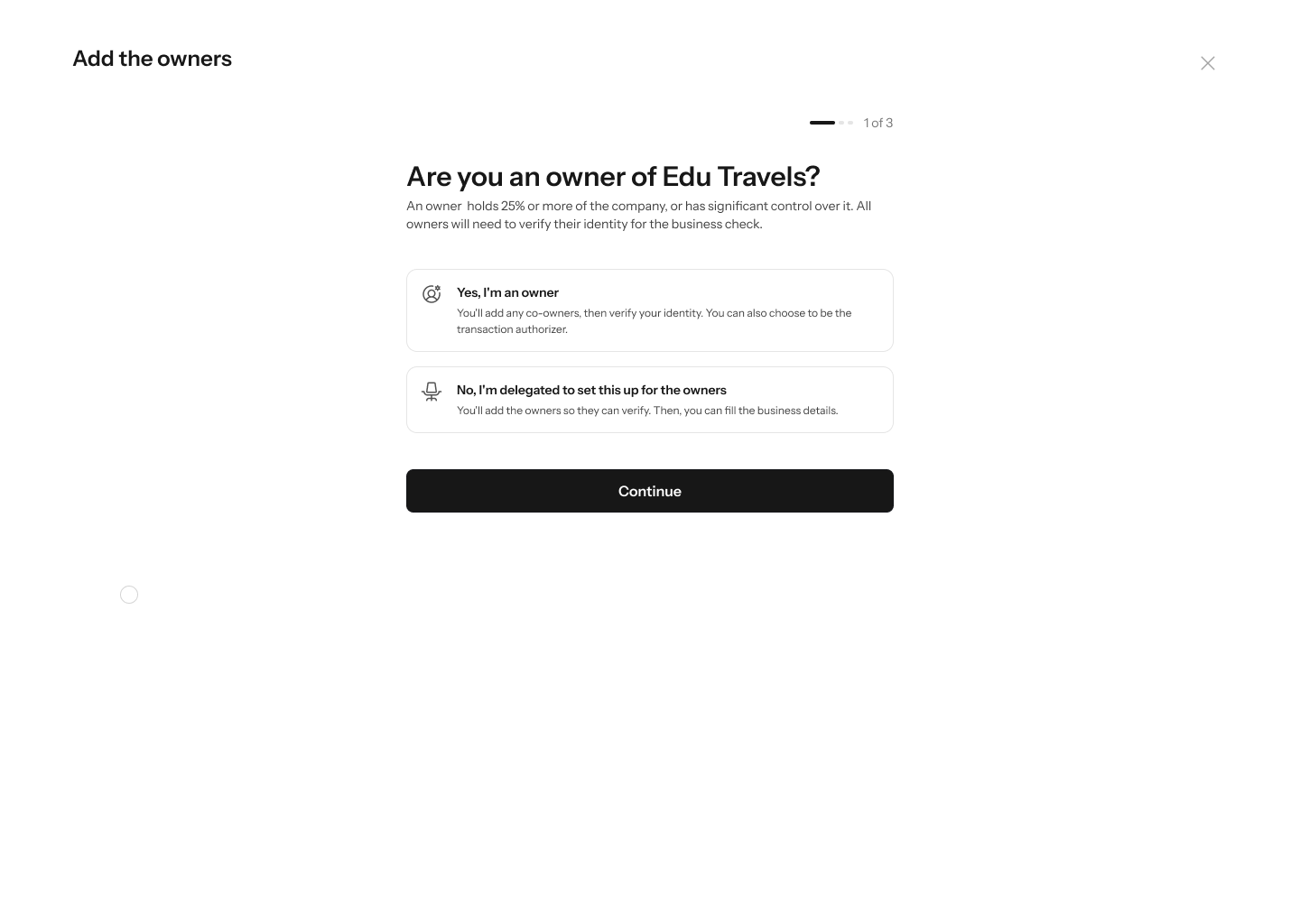
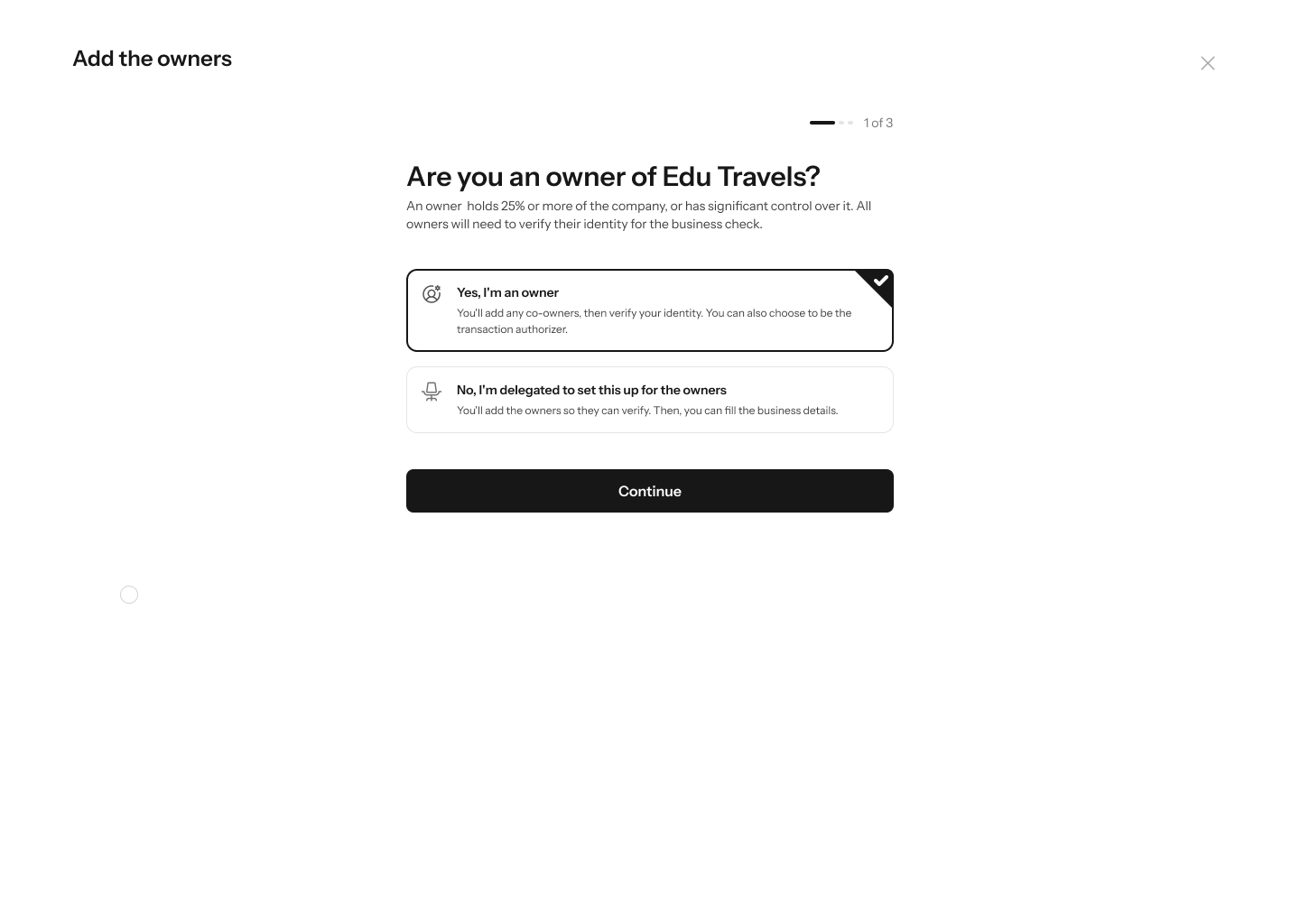
The first question is “Are you an owner of Edu Travels?” — “An owner holds 25% or more of the company, or has significant control over it. All owners will need to verify their identity for the business check.” Two options:- “Yes, I’m an owner” — “You’ll add any co-owners, then verify your identity. You can also choose to be the transaction authorizer.”
- “No, I’m delegated to set this up for the owners” — “You’ll add the owners so they can verify. Then, you can fill the business details.”
3. Step 2 of 3 — add the owners
“Add the owners” — “Add everyone who owns 25% or more, or has significant control”. If you said you’re an owner, a pill reads “You’re one of the owners” with Fill in your ownership details, plus Add another owner for each co-owner.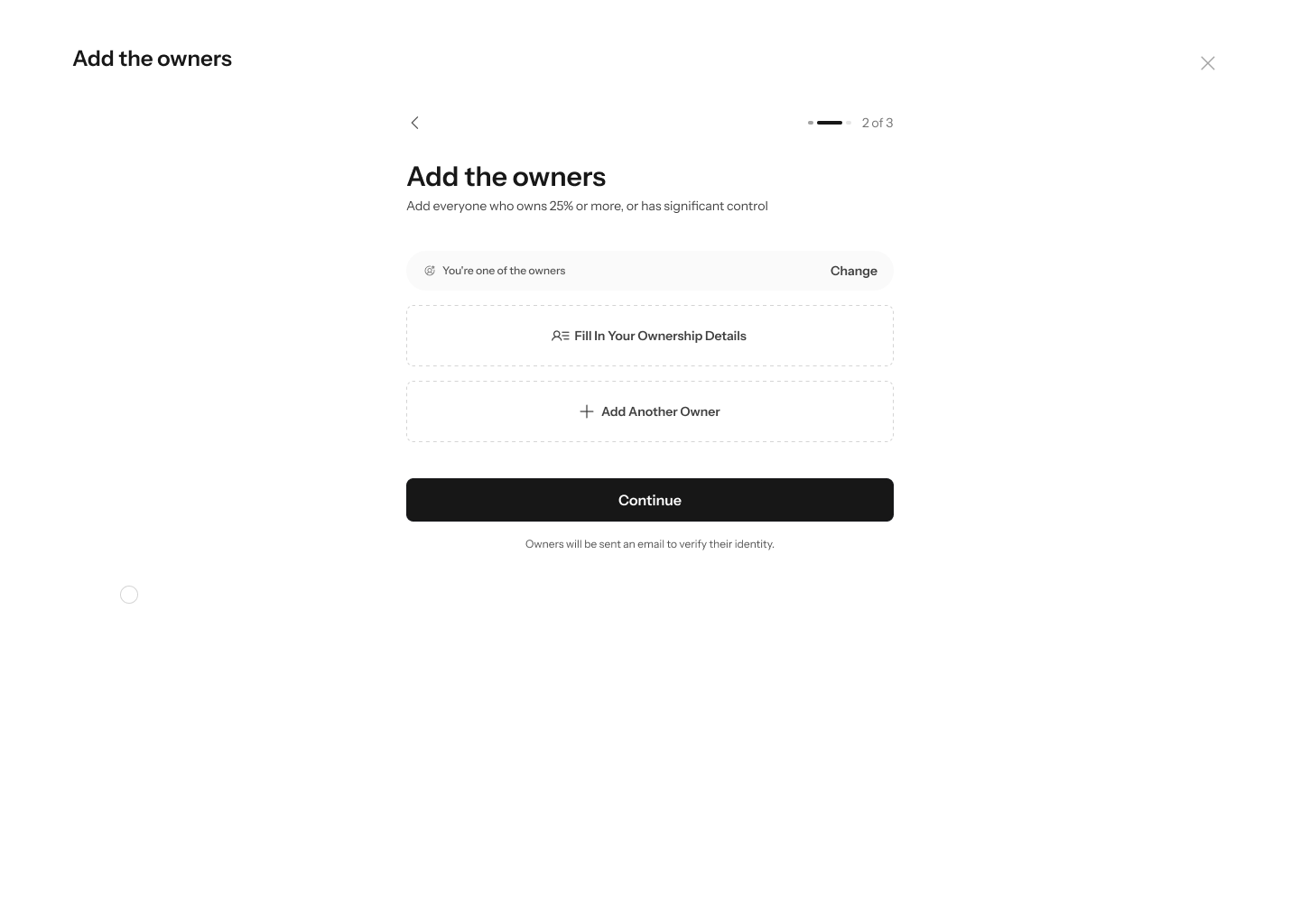
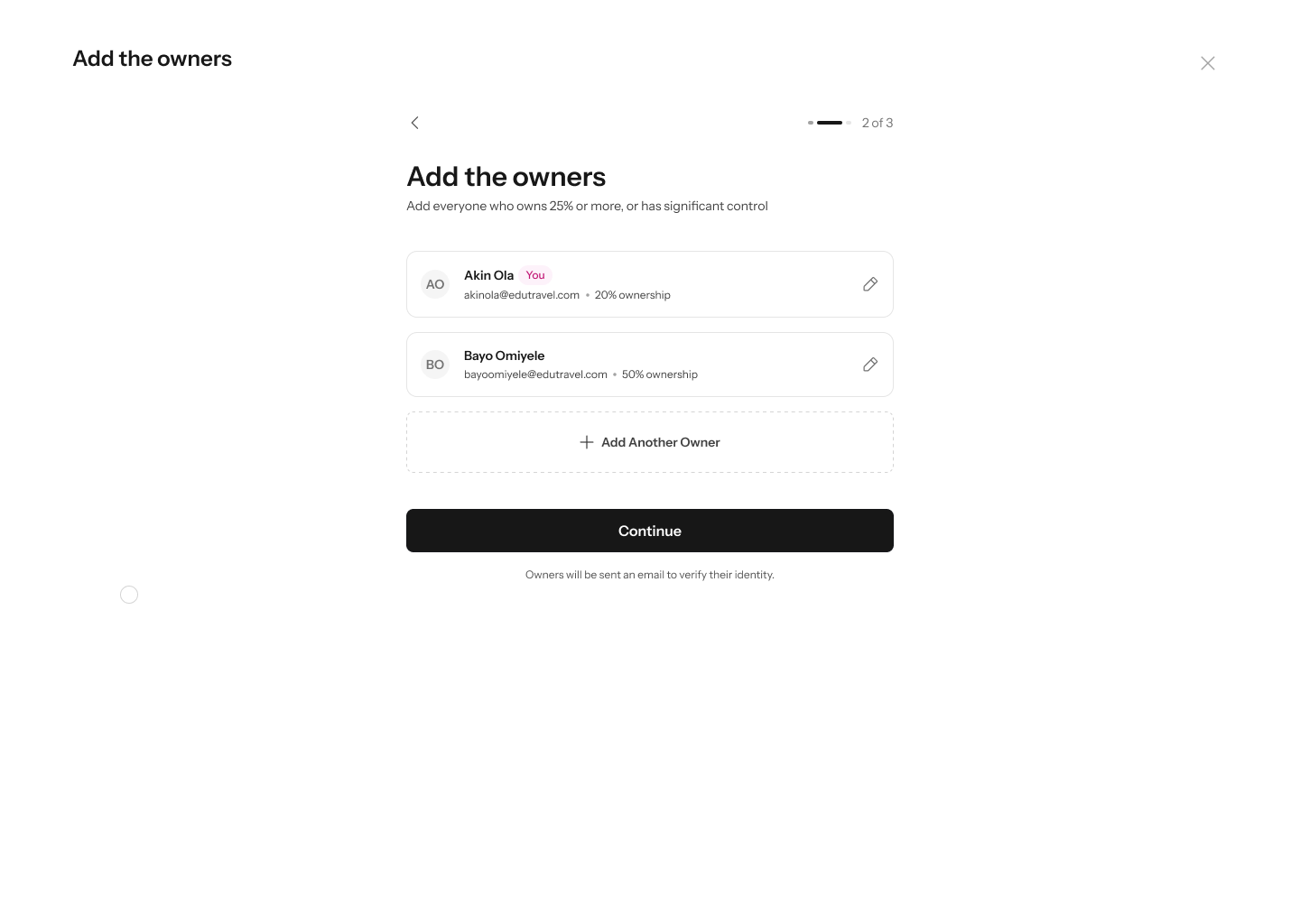
The names and ownership percentages in these screenshots are dummy data used to illustrate the screen. Real entries must each be 25% or more, which is the threshold this step asks you to apply.
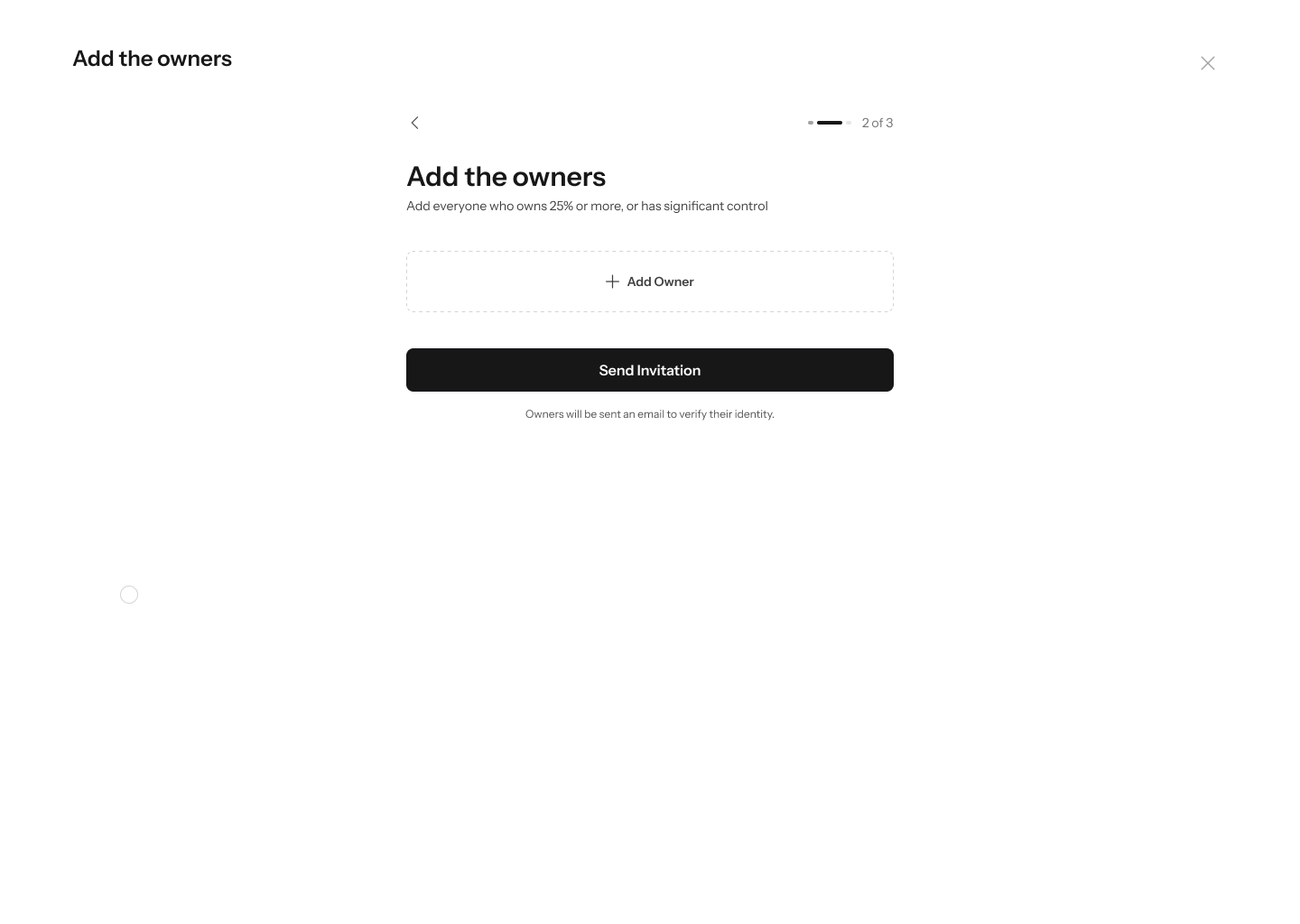
If you’re a delegate, this step looks different — no “You’re one of the owners” pill, a single empty Add owner row, and the button reads Send Invitation rather than Continue.
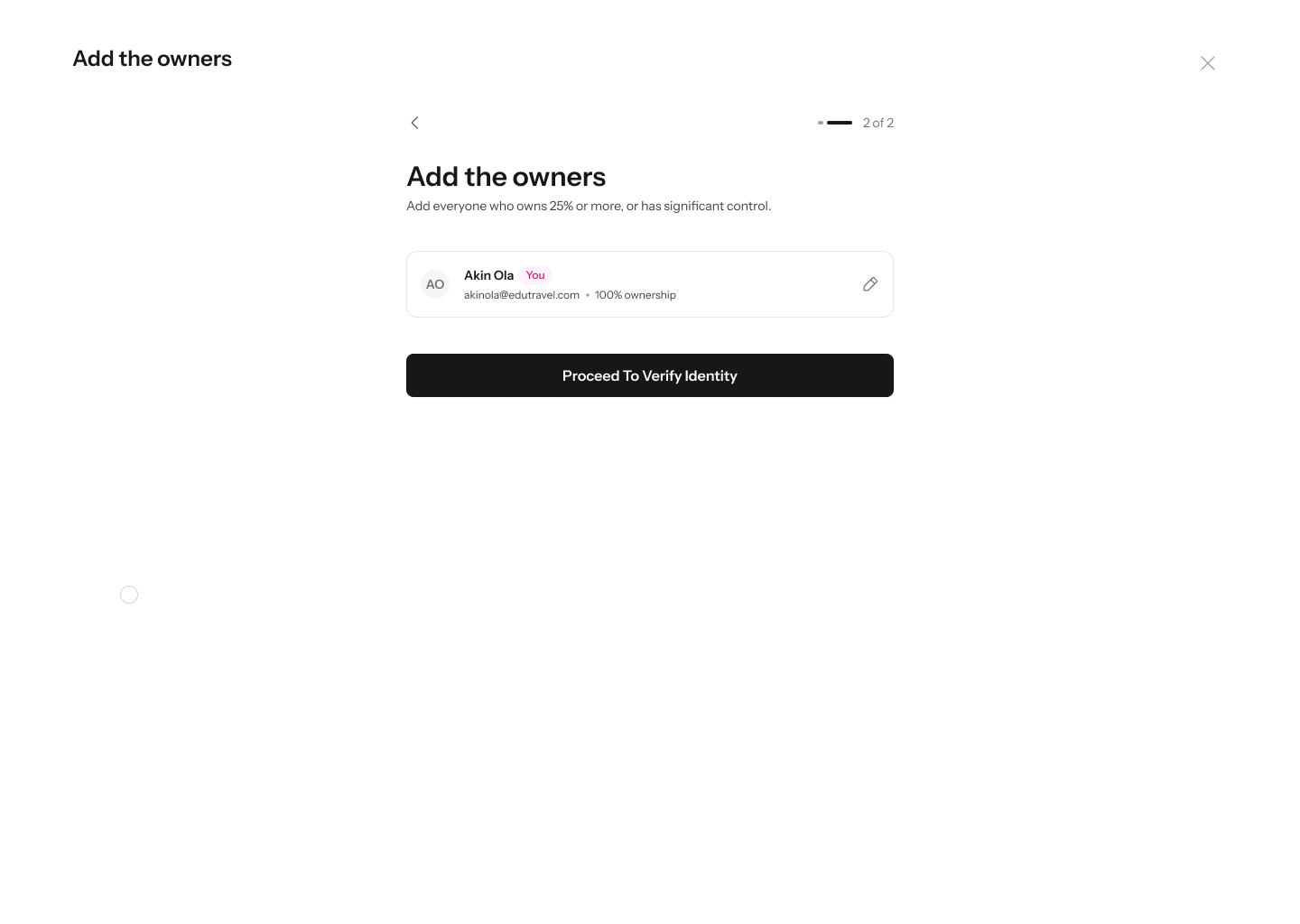
If you’re a sole proprietor — one owner at 100% — the flow shortens to 2 of 2. There’s no Add another owner, and the button reads Proceed to Verify Identity, since there’s nobody to invite and no controlling owner to choose.
4. Step 3 of 3 — choose the controlling owner
“Who is the controlling owner at Edu Travels?” — “One owner activates the wallet, holds the recovery keys and authorizes transactions. Choose who that is for Edu Travels.” Pick one owner from the list.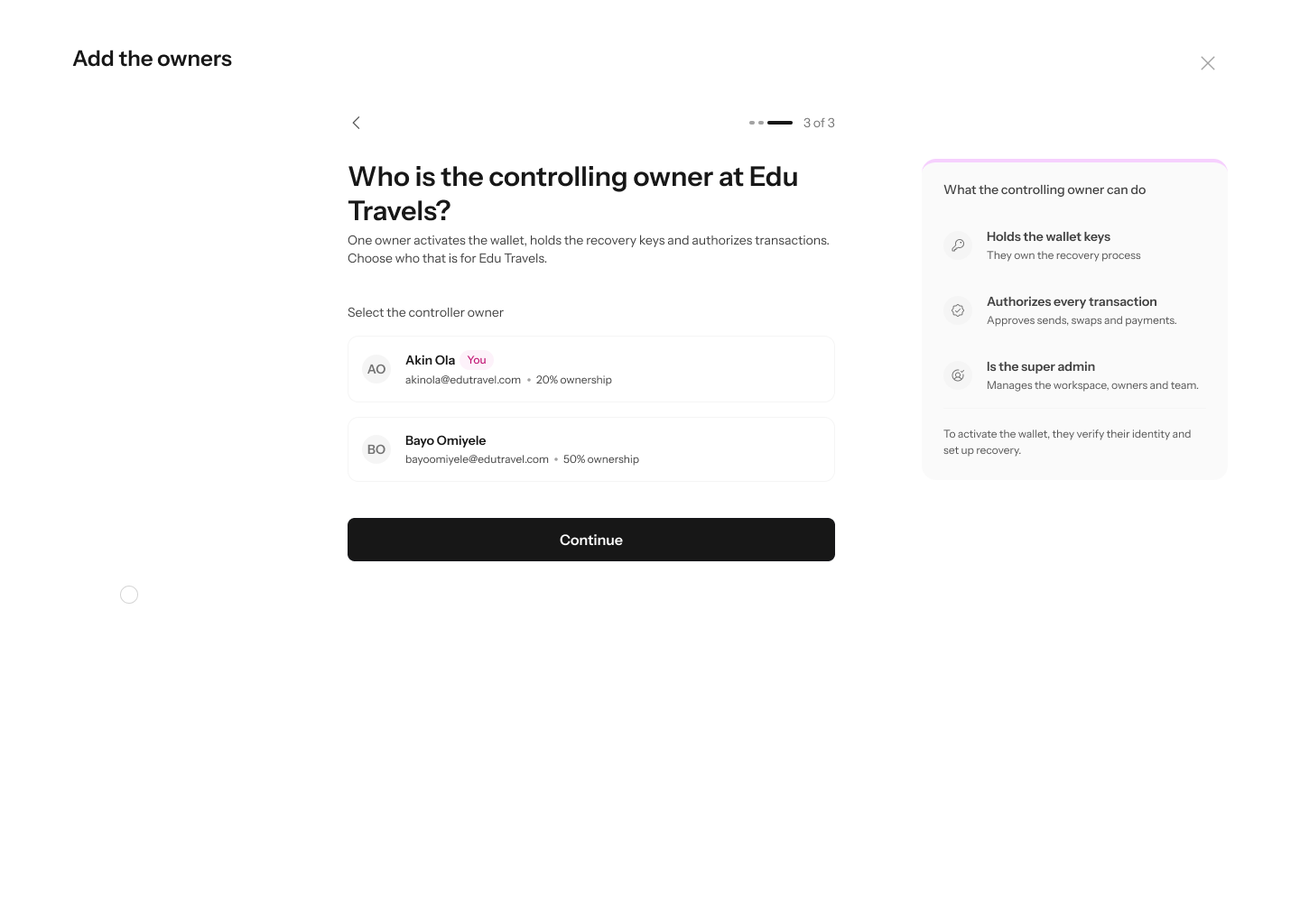
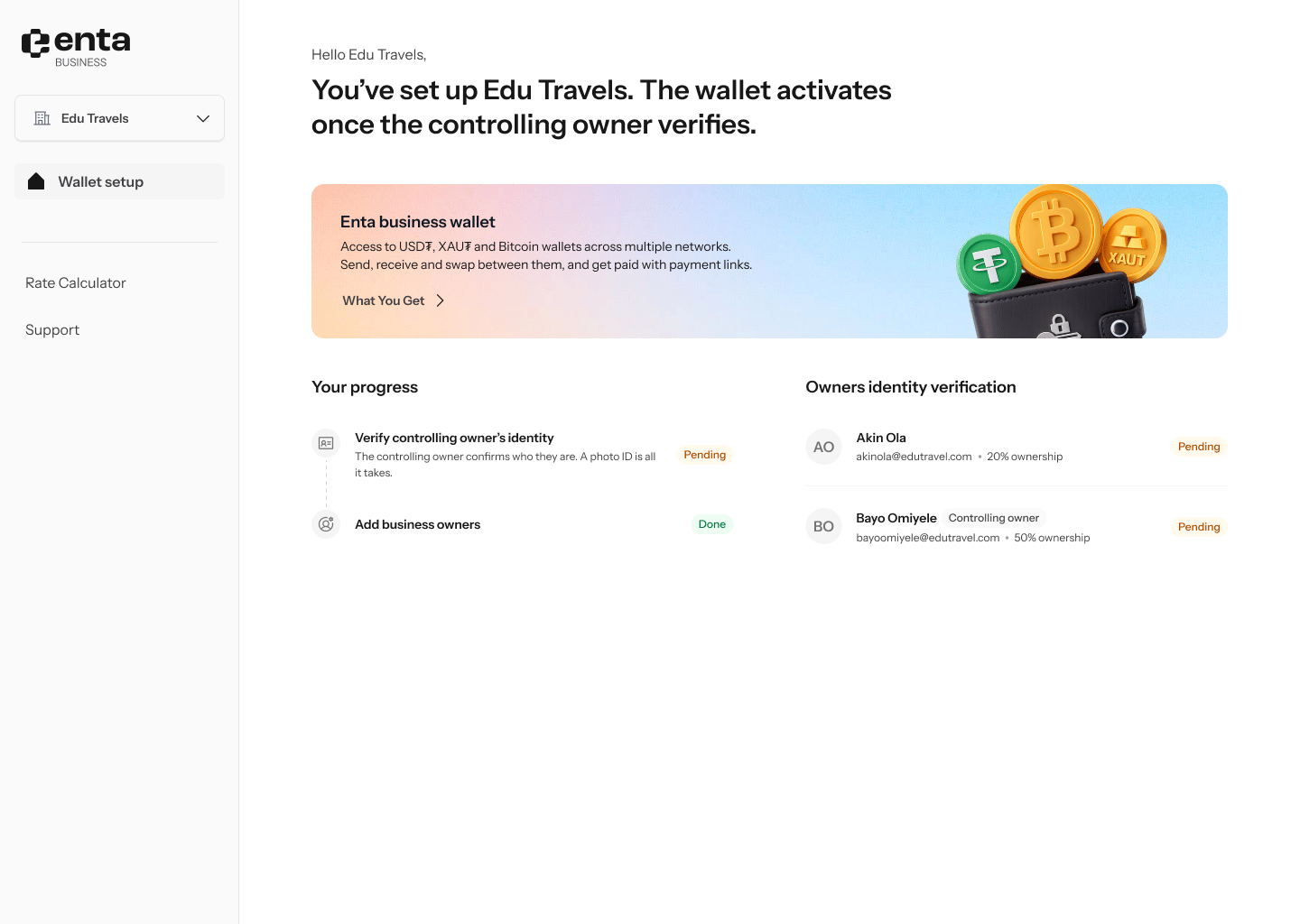
It closes with: “To activate the wallet, they verify their identity and set up recovery.”
5. Review before sending
“Review the owners” — “Confirm who owns Edu Travels and who is in control before you continue.” Each owner appears numbered. The controlling owner carries a Controlling owner badge and three chips — Holds the keys, Authorizes transactions, Super admin — alongside a reminder that they must verify their identity and set up recovery before the wallet is activated.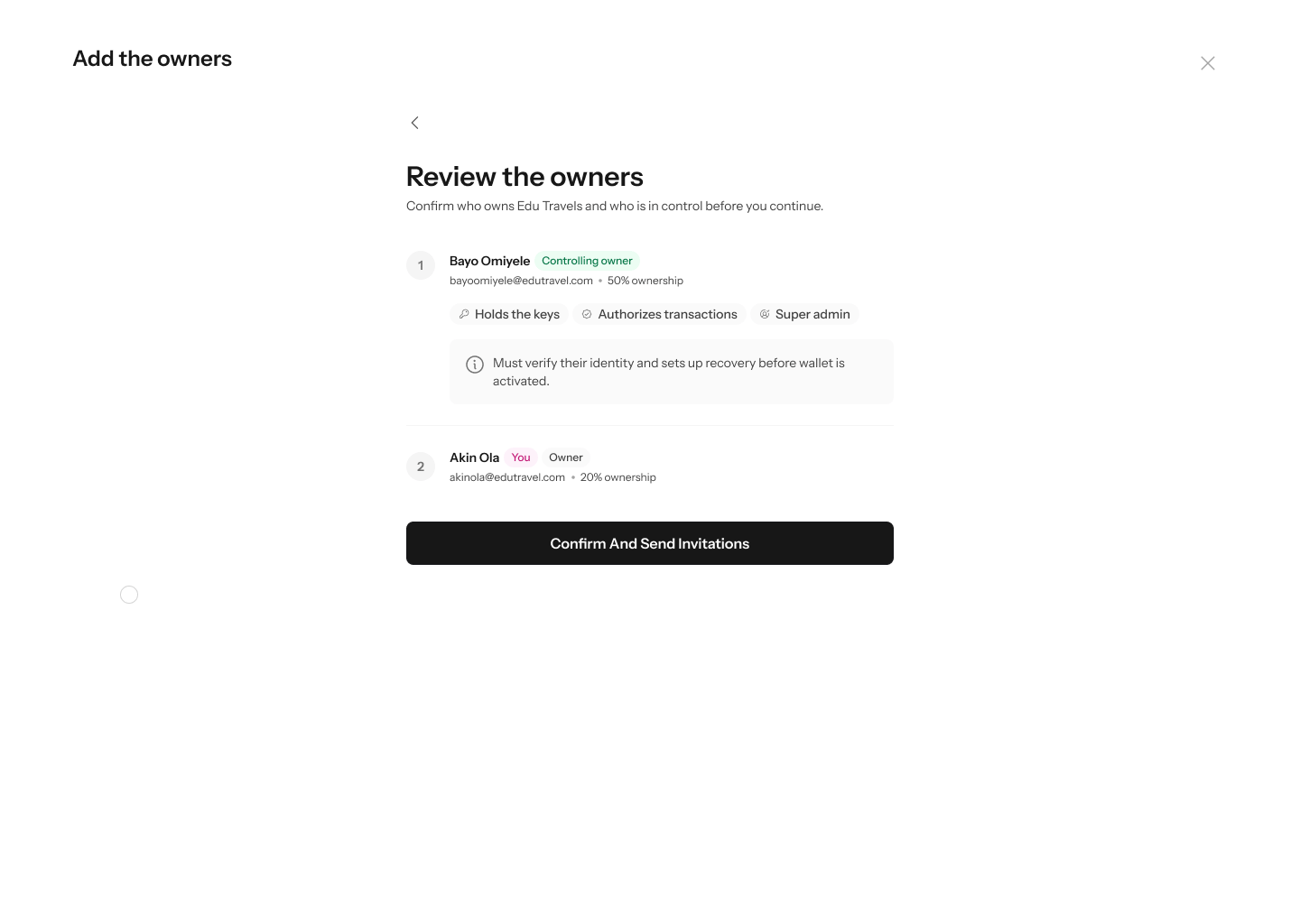
6. Invitations sent
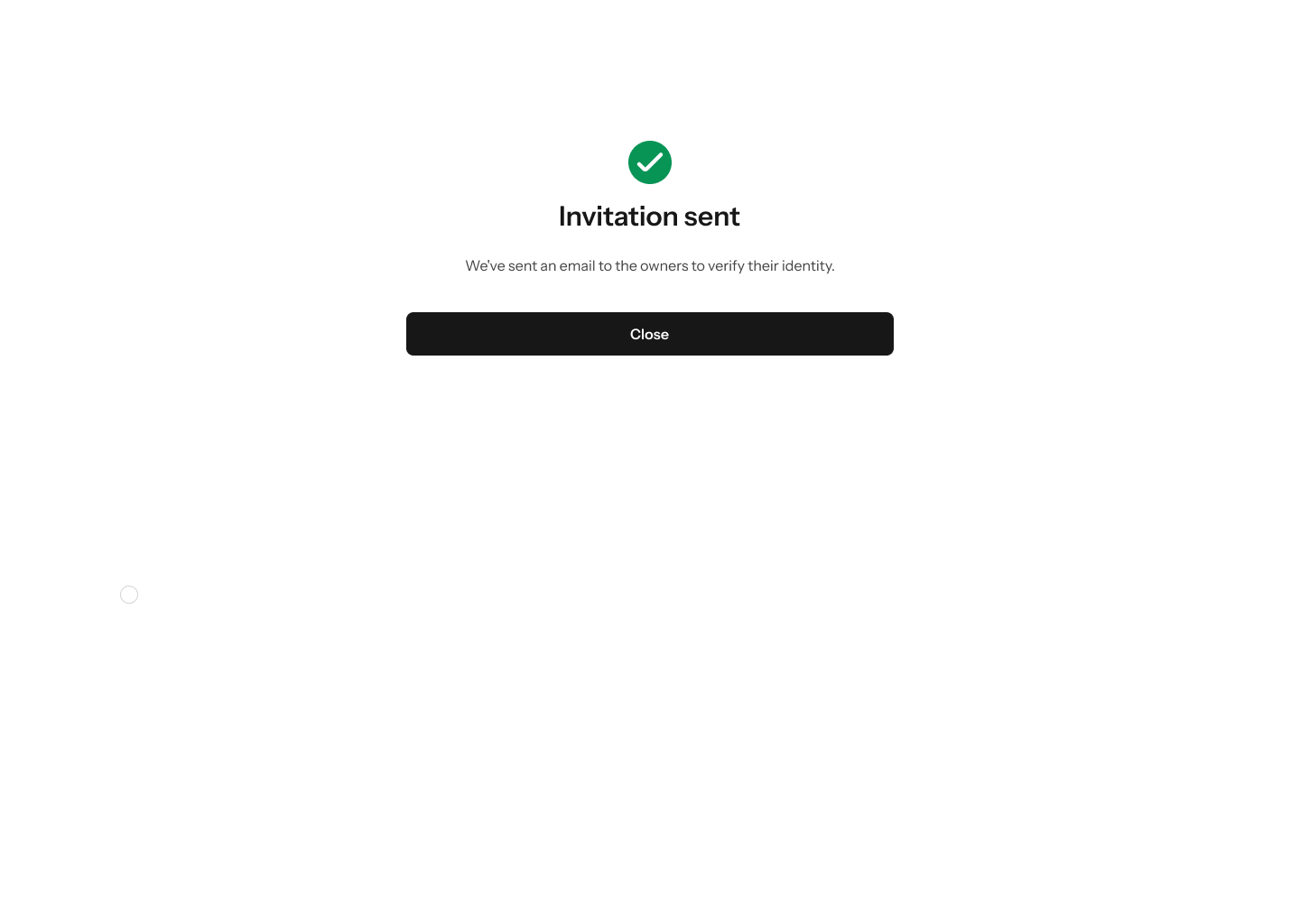
A confirmation reads “Invitation sent” — “We’ve sent an email to the owners to verify their identity.” — with a single Close.