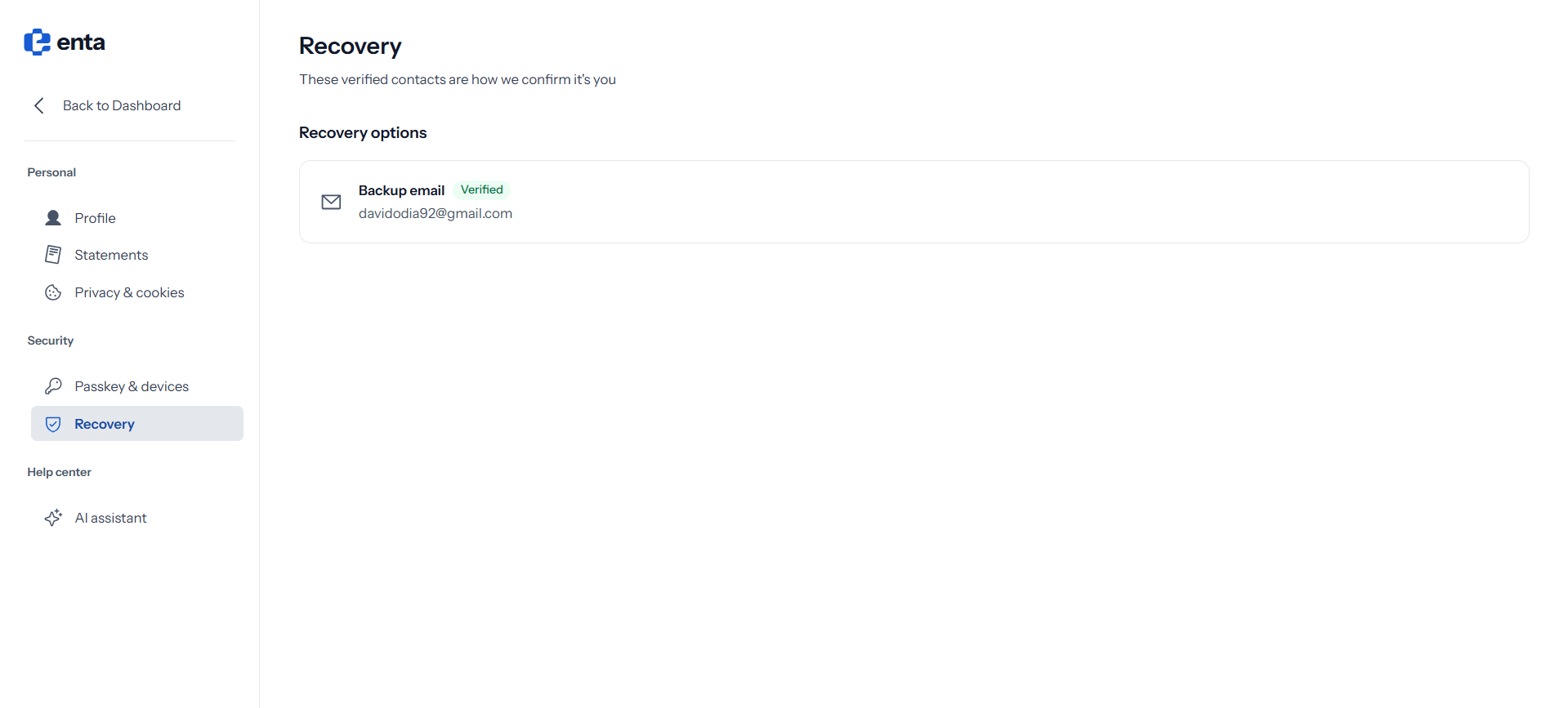
Recovery options lists the contacts Enta uses to confirm it’s really you — “These verified contacts are how we confirm it’s you”.Your Backup email appears here with a Verified badge alongside the address itself.
Use an address you’ll keep access to and that isn’t your main Enta sign-in email. If you ever lose the device holding your passkey, this is how you prove who you are — so it shouldn’t depend on the same account you’re locked out of.
Enta signs you in with a passkey rather than a password, so there’s no “forgot password” route. Your recovery contact is the fallback. If it’s out of date, keeping it current is the single most useful thing you can do for the security of your account.
.png?fit=max&auto=format&n=kg7DOeb3LjeDp7us&q=85&s=97f9180a06d637bed699a5478a30463b)