.png?fit=max&auto=format&n=kg7DOeb3LjeDp7us&q=85&s=97f9180a06d637bed699a5478a30463b)

Filter Beneficiaries
Once you’ve saved more than a few beneficiaries, search and filters help you find the one you need.This is a different guide from Beneficiaries List, Add a Beneficiary, View Beneficiary Details, Edit Beneficiary Details, View Beneficiary Transactions, and Delete a Beneficiary.
1. Search and filter by account
Use the search field — “Search by name, currency, or address” — to look for a beneficiary by name, currency, or address. Alongside it, two filter chips — Your account and 3rd party — narrow the list to beneficiaries you own versus everyone else’s.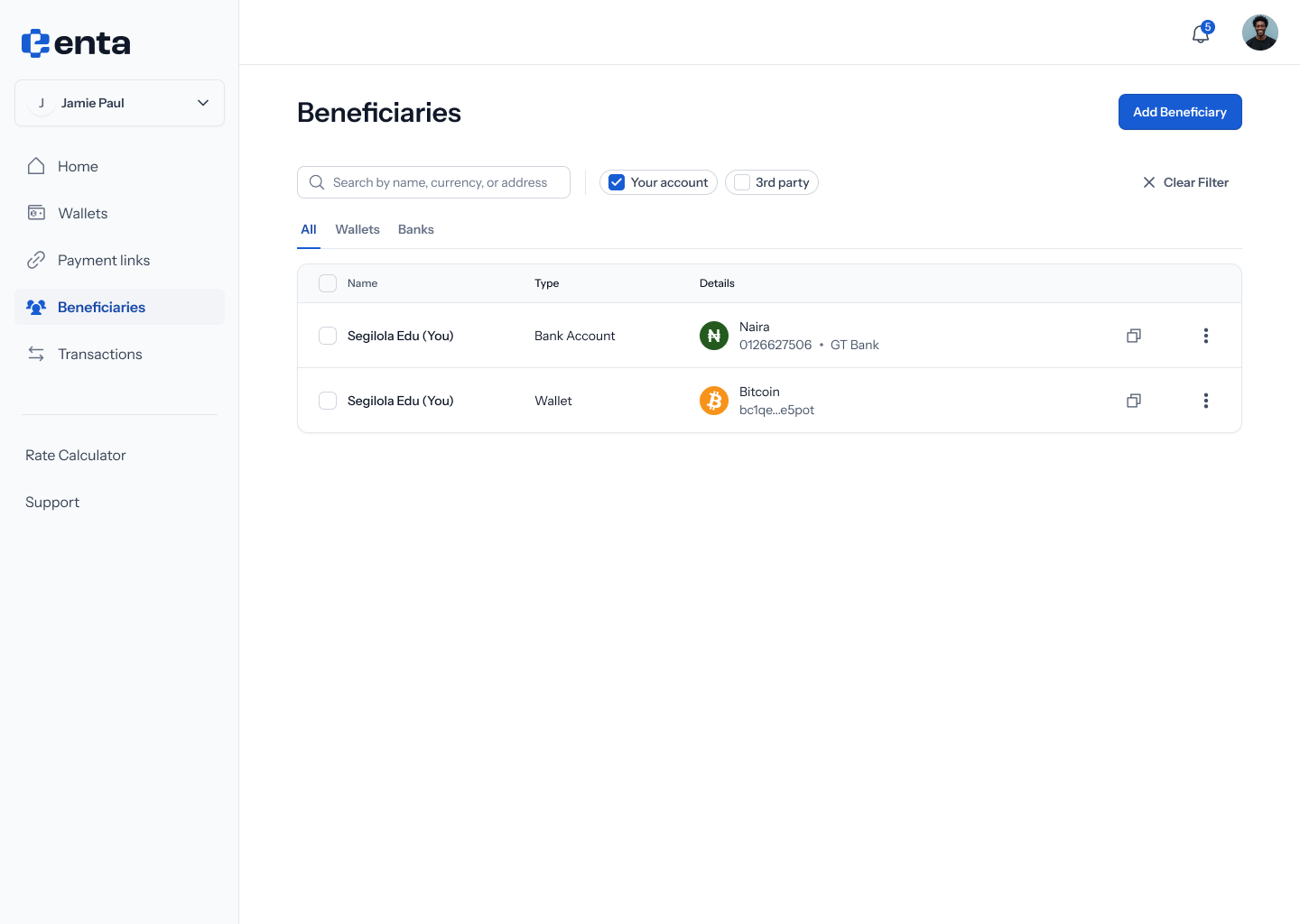
2. No results
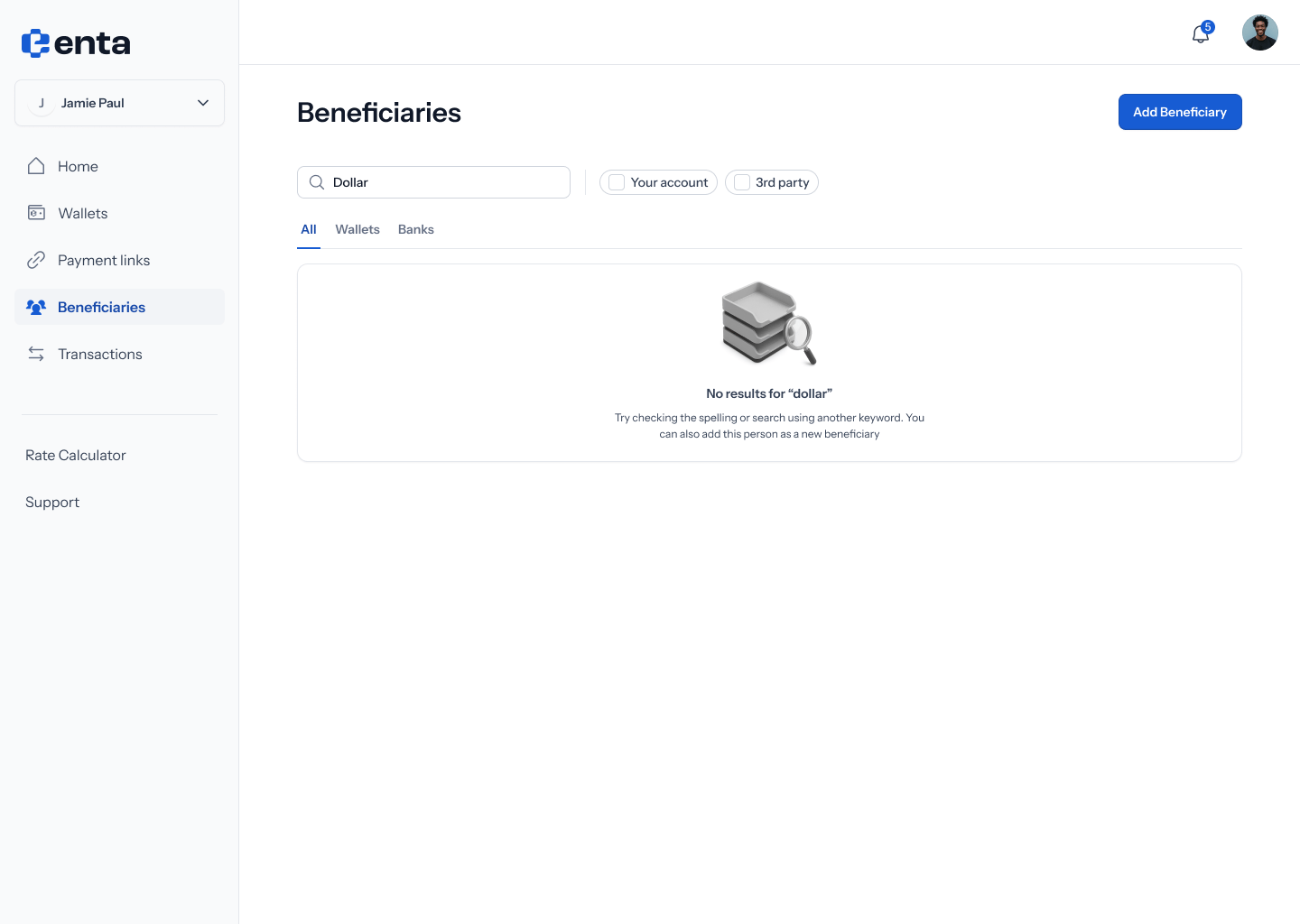
If your search or filter doesn’t match anyone, you’ll see: “No results for ”…"" — “Try checking the spelling or search using another keyword. You can also add this person as a new beneficiary”.