.png?fit=max&auto=format&n=kg7DOeb3LjeDp7us&q=85&s=97f9180a06d637bed699a5478a30463b)

Add a Beneficiary
A beneficiary is a saved recipient — a wallet address or a bank account — so you don’t have to re-enter their details every time you pay them.This is a different guide from Beneficiaries List, View Beneficiary Details, Edit Beneficiary Details, View Beneficiary Transactions, Delete a Beneficiary, and Filter Beneficiaries.
1. Open the Add Beneficiary form
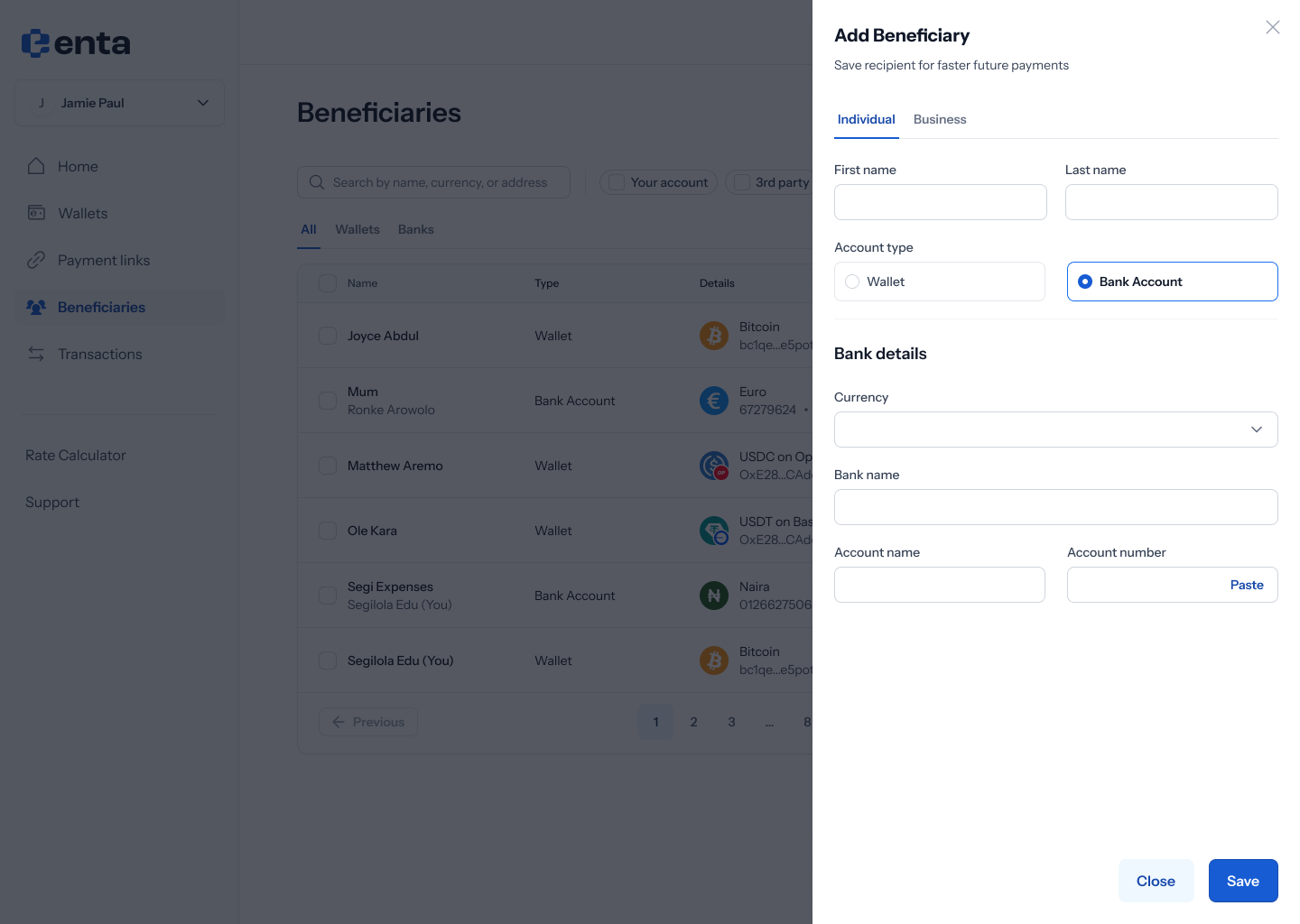
From your Beneficiaries list, tap Add beneficiary.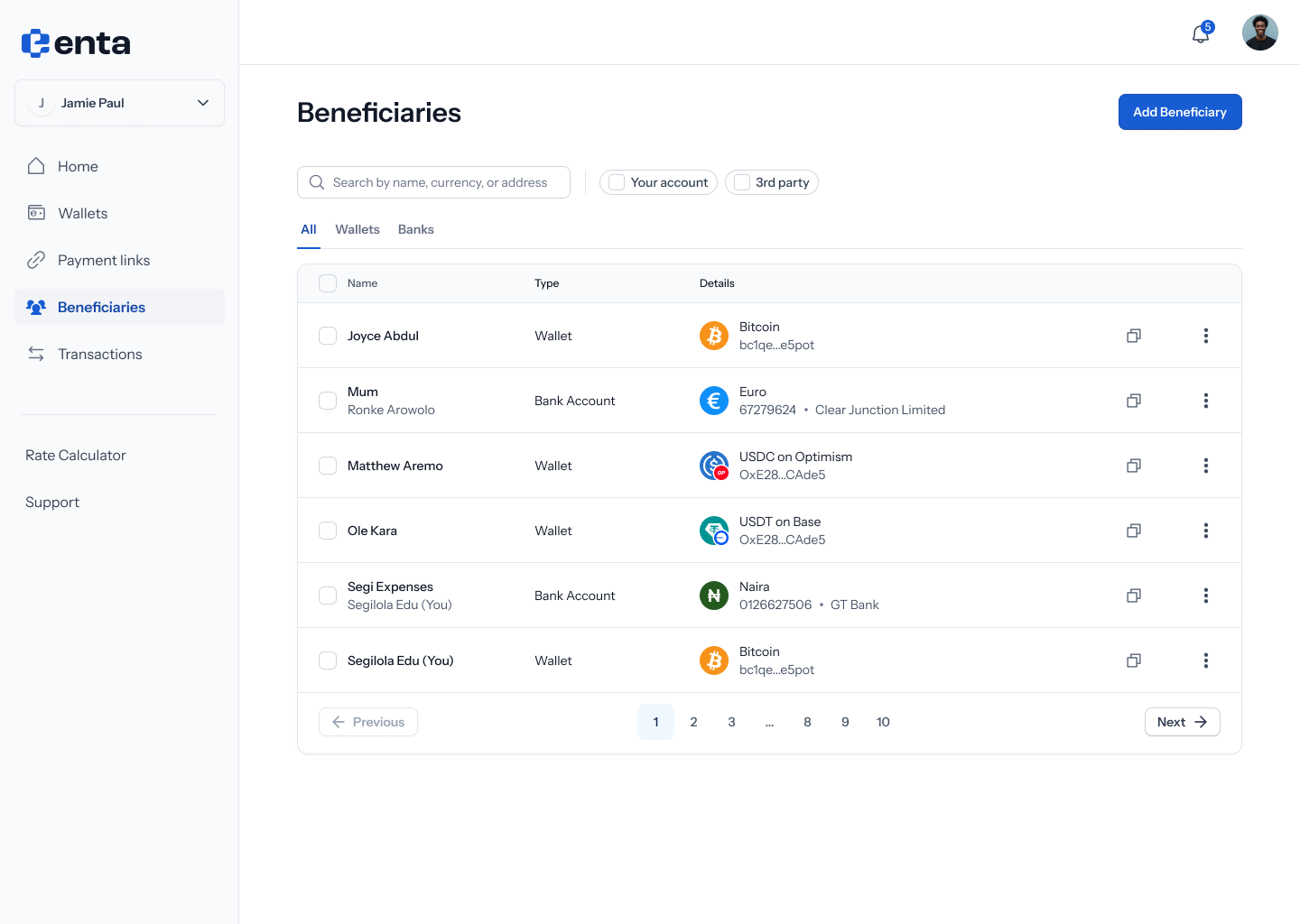
2. Add a wallet beneficiary
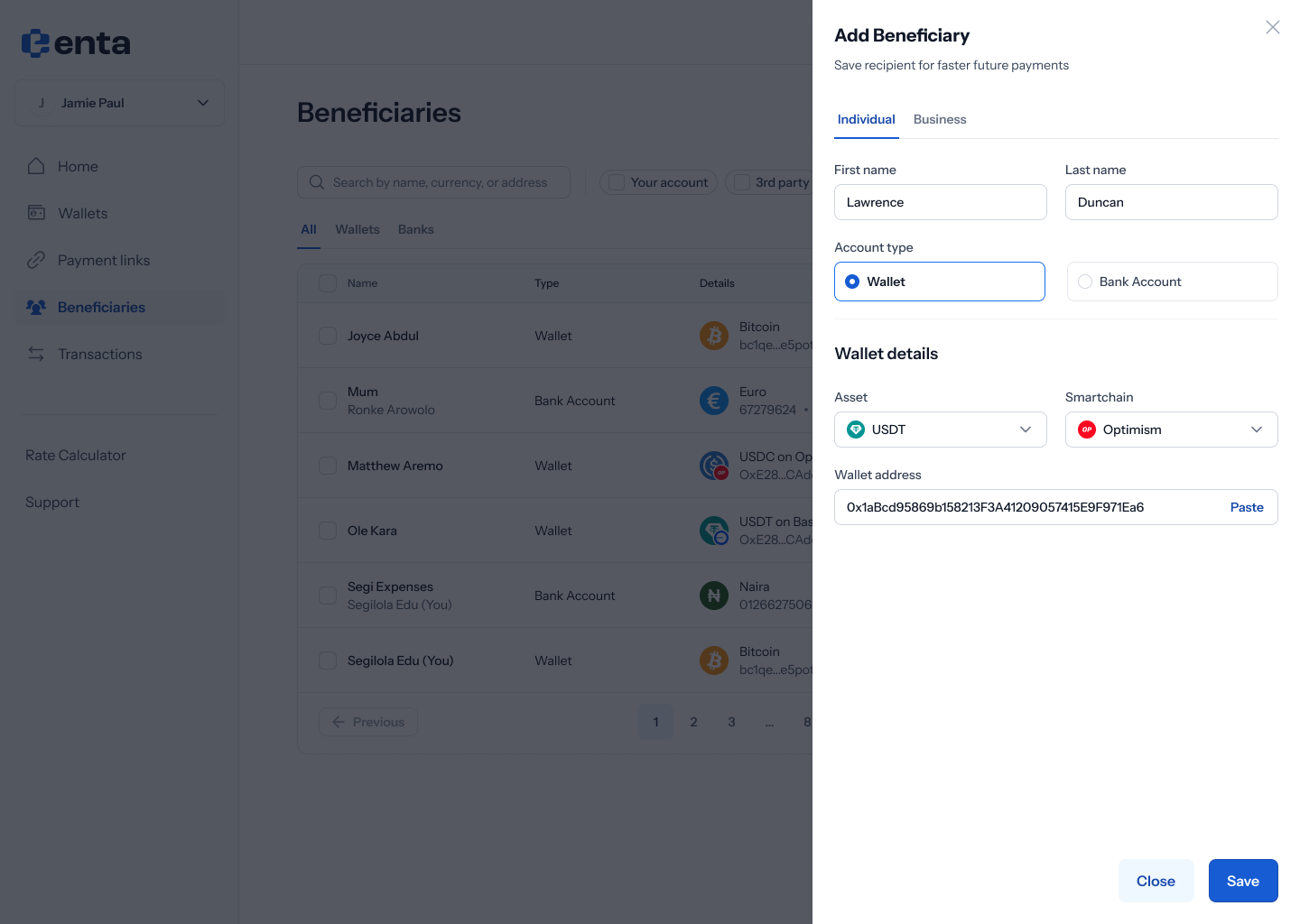
With Wallet selected, fill in the Wallet details: an Asset dropdown, a Smartchain (network) dropdown, and a Wallet address field (with a Paste shortcut).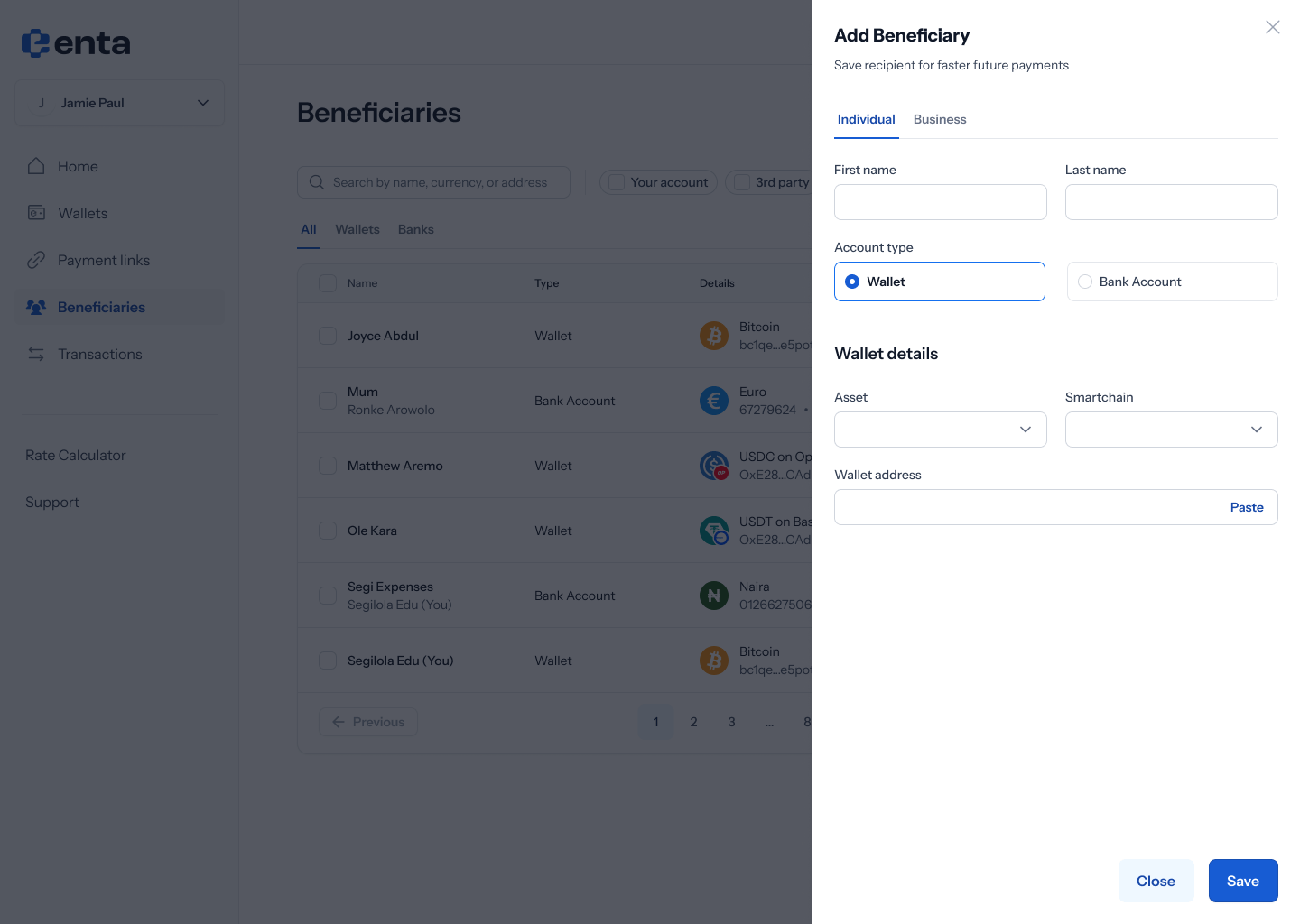
3. Add a bank account beneficiary
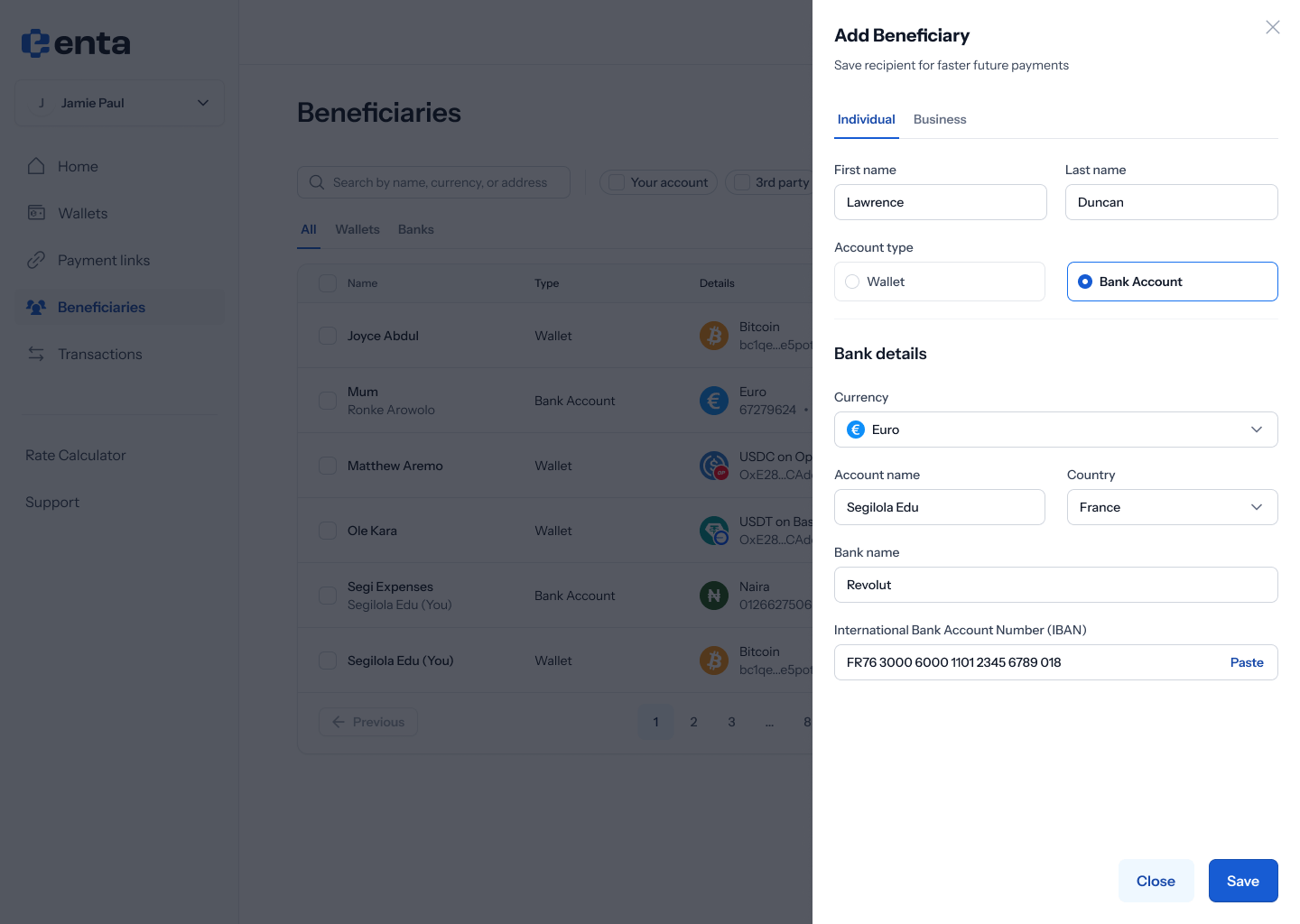
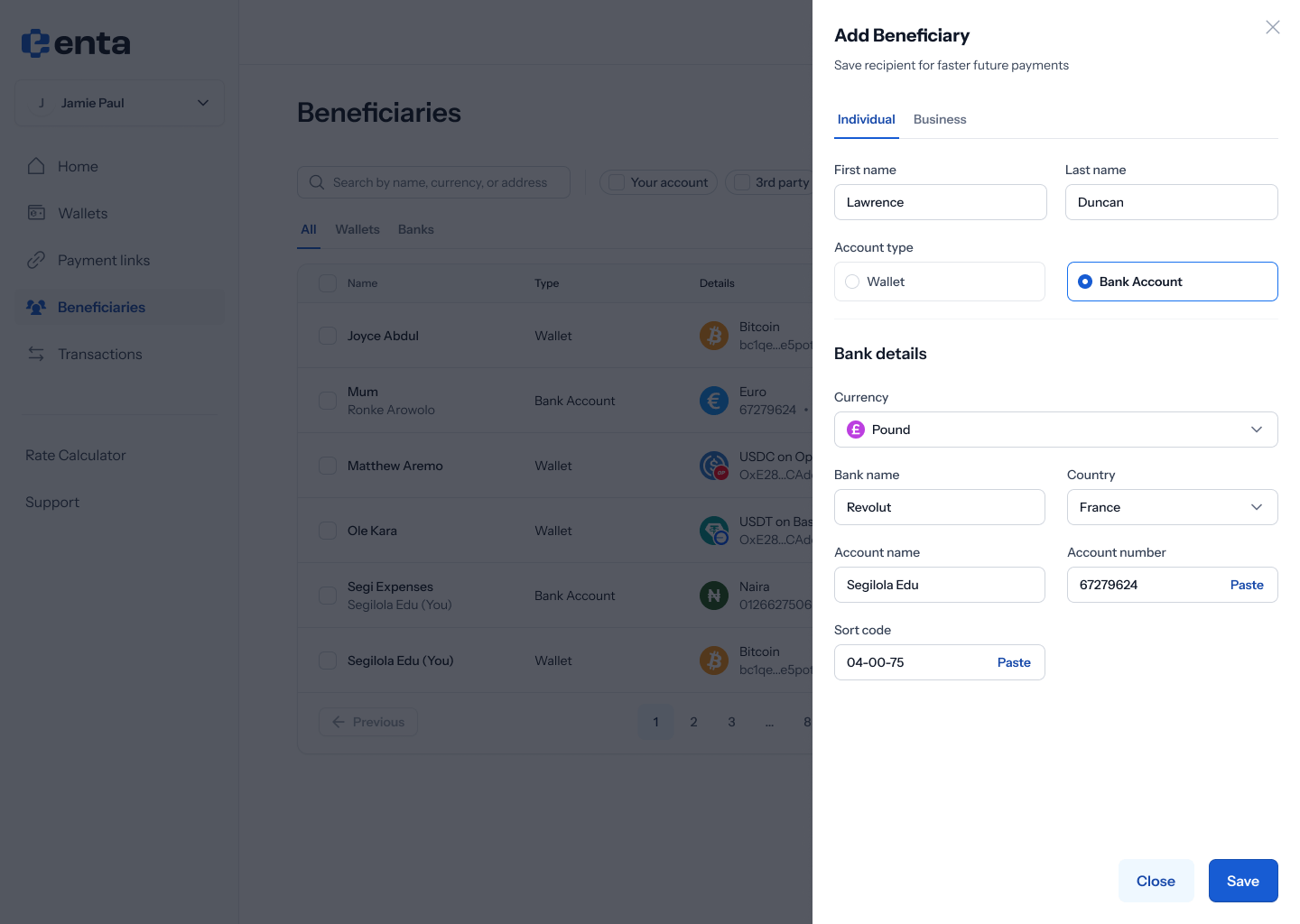
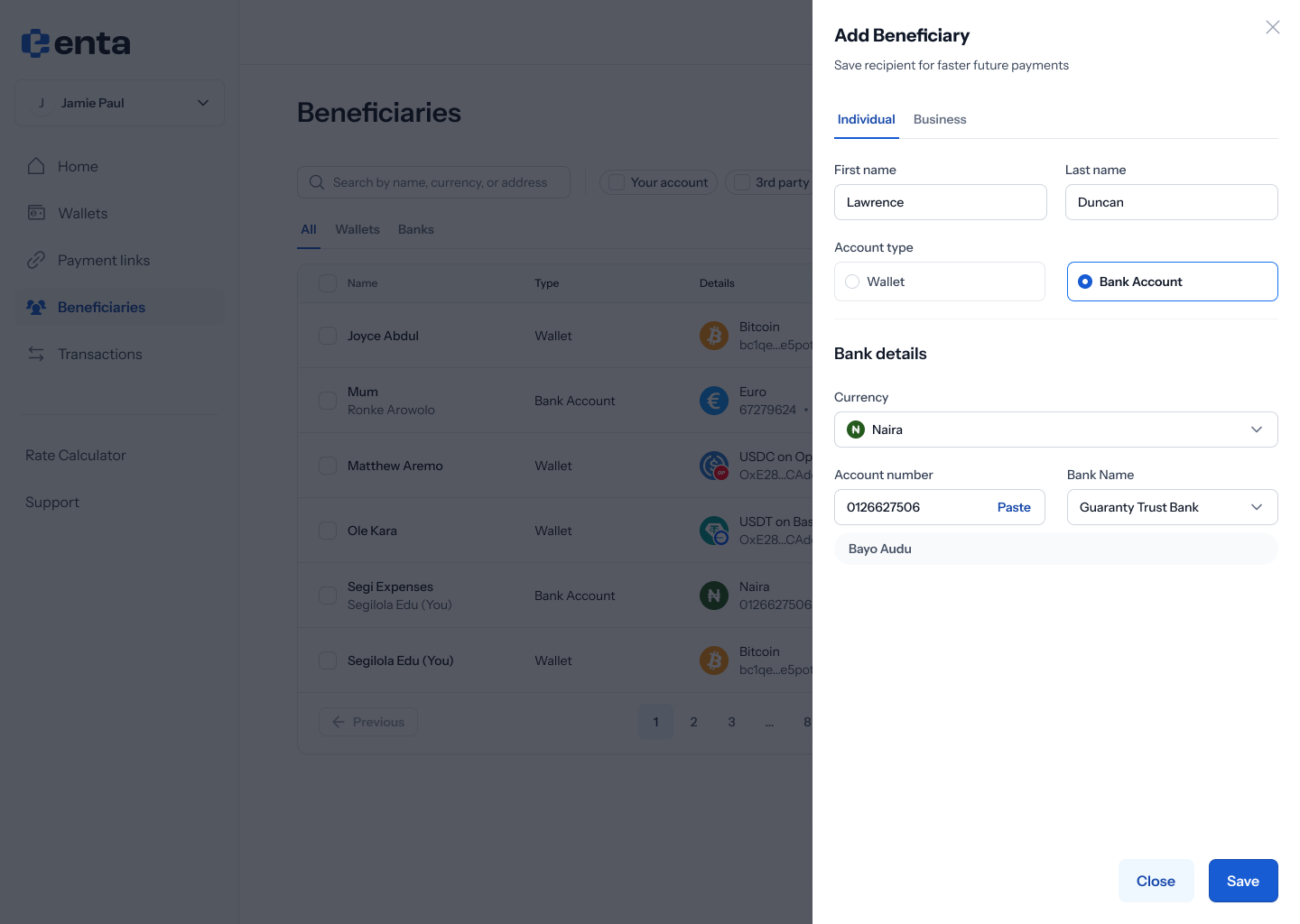
With Bank Account selected instead, fill in the Bank details — the exact fields depend on the currency you choose.