.png?fit=max&auto=format&n=kg7DOeb3LjeDp7us&q=85&s=97f9180a06d637bed699a5478a30463b)

This page is under Settings > Business > Security. See also: Passkey & Devices, Activity Log, Business Profile, Statements, Members.
Recovery options
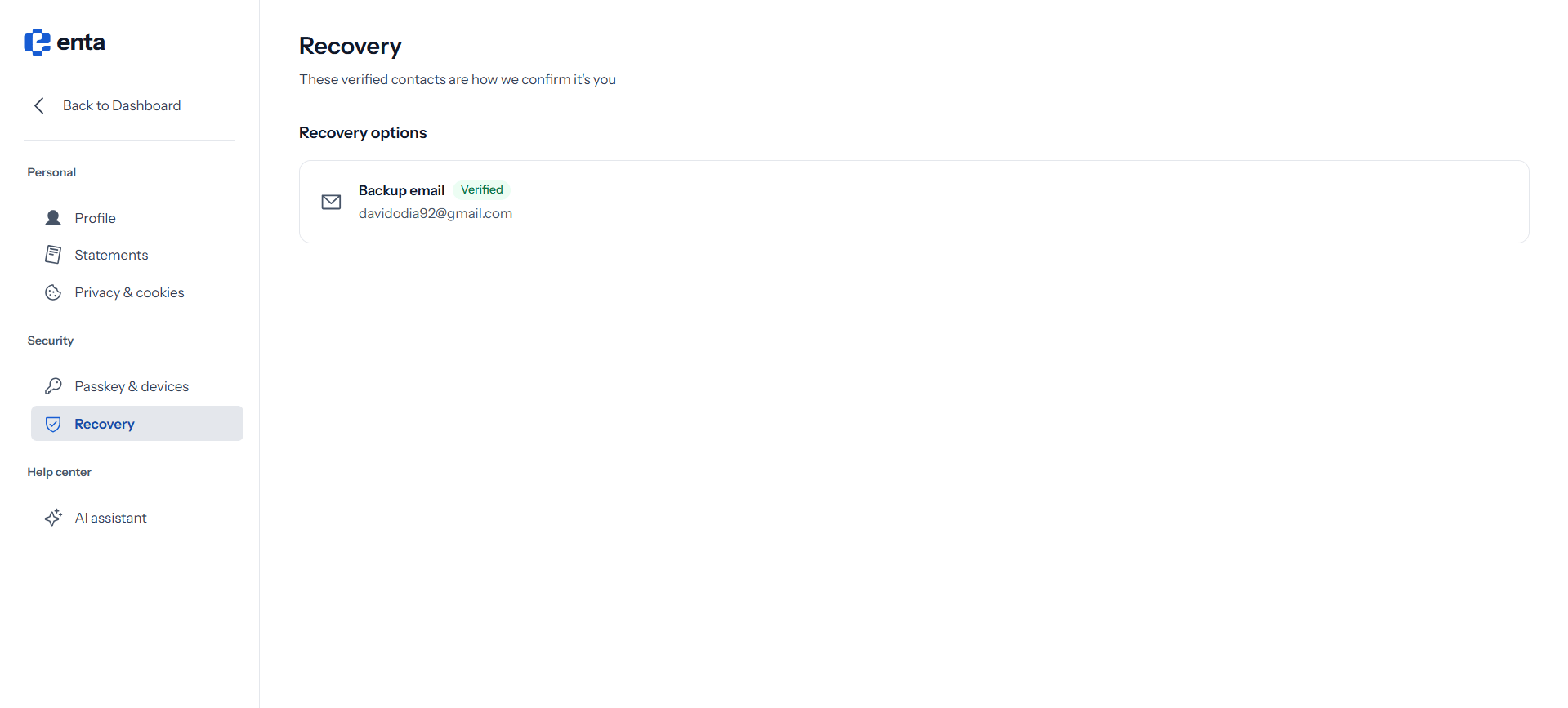
Recovery options lists the contacts Enta uses to confirm it’s really you — “These verified contacts are how we confirm it’s you”. Your Backup email appears here with a Verified badge alongside the address itself.This is your own recovery contact, not a shared company one. Each person with access to the business has their own sign-in and their own recovery details.