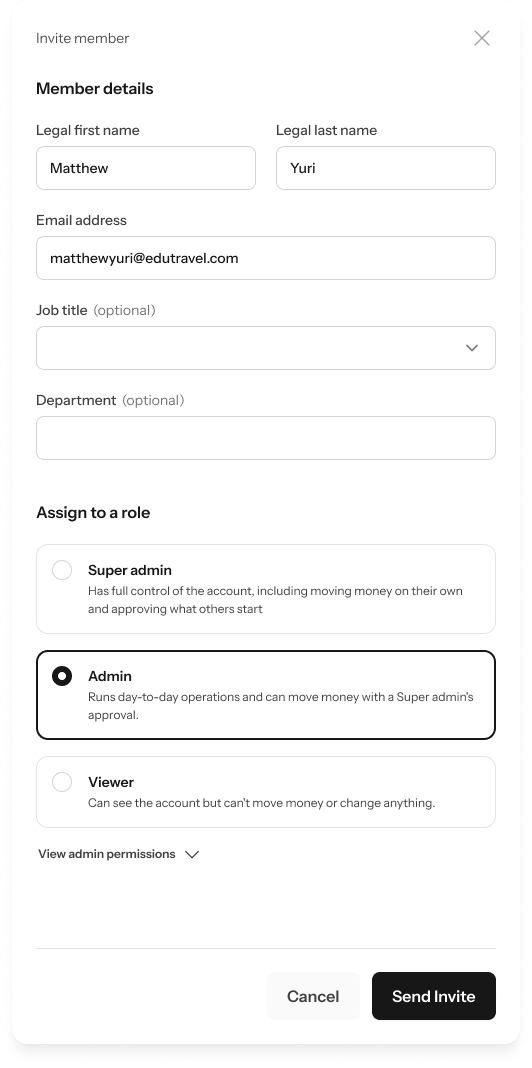
.png?fit=max&auto=format&n=kg7DOeb3LjeDp7us&q=85&s=97f9180a06d637bed699a5478a30463b)

This page is under Settings > Business > Team. See also: Members, Roles & Permissions, Manage a Member, Business Profile, Statements.
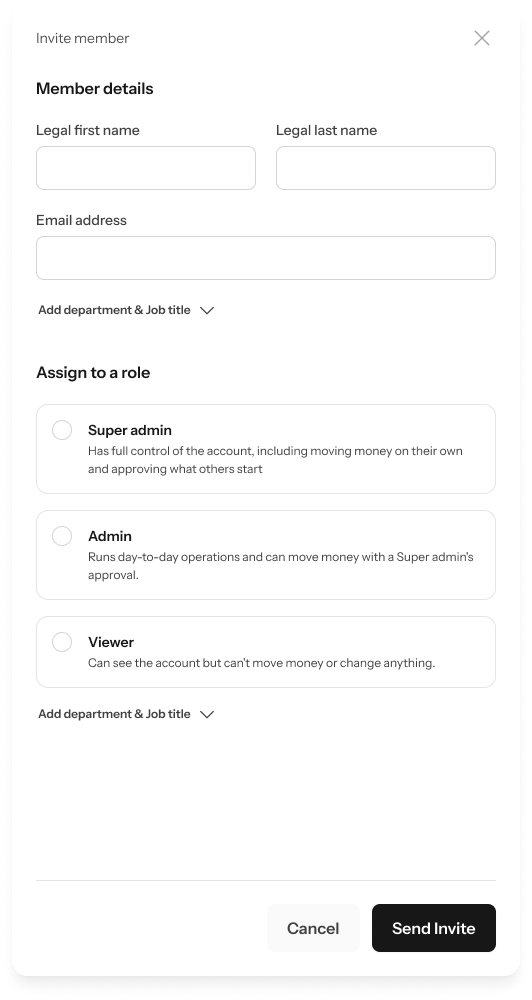
- Enter their Legal first name, Legal last name, and Email address.
- Optionally, click Add department & job title to add those details too.
- Under Assign to a role, pick Super Admin, Admin, or Viewer — each card shows a short description of what that role can do, and links to that role’s full permission list — for example View Admin permissions — if you want the detail before deciding.
- Click Send invite.