> ## Documentation Index
> Fetch the complete documentation index at: https://docs.entashiga.io/llms.txt
> Use this file to discover all available pages before exploring further.
# Recovery
> These verified contacts are how we confirm it's you
This page is under **Settings > Business > Security**. See also: [Passkey & Devices](/settings/business/passkeydevices), [Activity Log](/settings/business/activitylog), [Business Profile](/settings/business/businessprofile), [Statements](/settings/business/statements), [Members](/settings/business/members).
 ## Recovery options
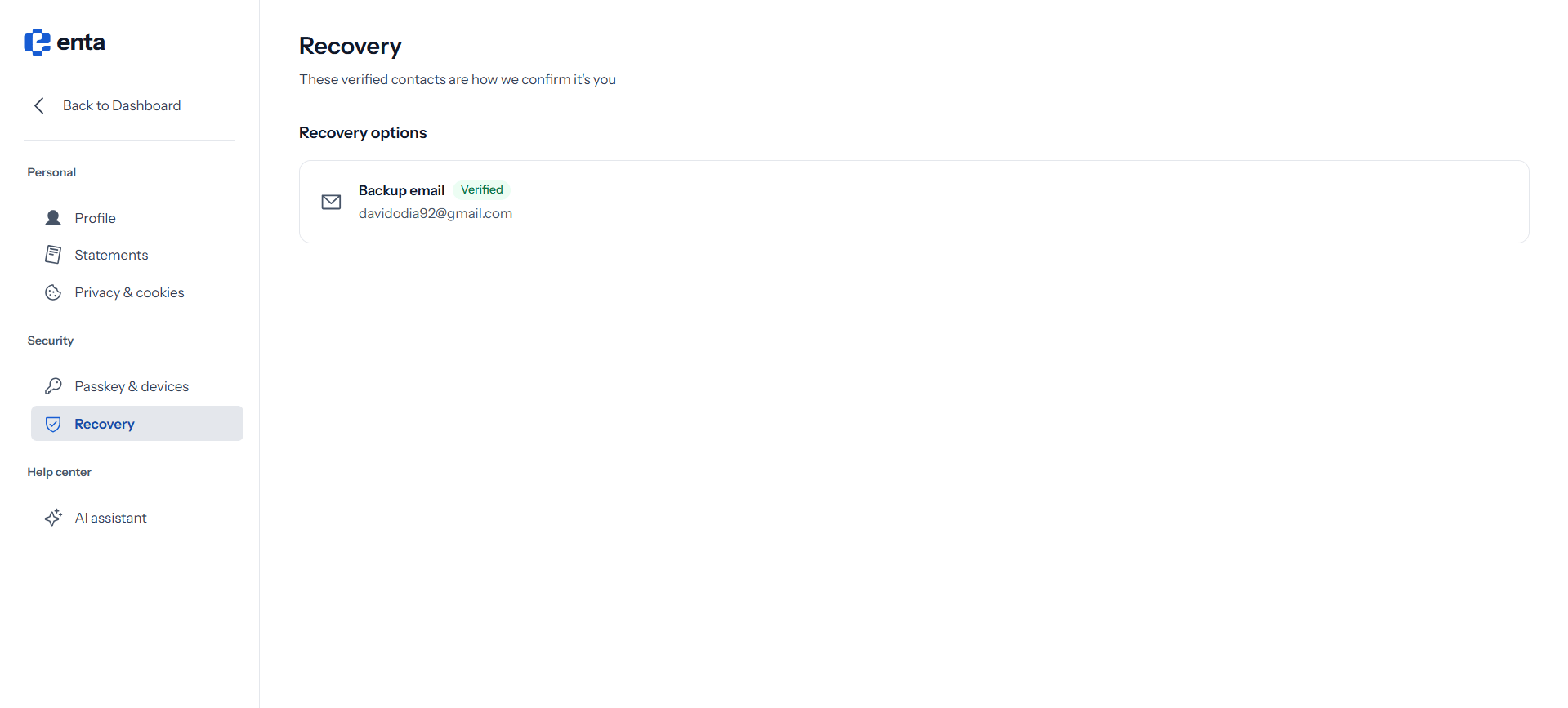
**Recovery options** lists the contacts Enta uses to confirm it's really you — *"These verified contacts are how we confirm it's you"*.
Your **Backup email** appears here with a **Verified** badge alongside the address itself.
This is your own recovery contact, not a shared company one. Each person with access to the business has their own sign-in and their own recovery details.
Use an address you'll keep access to and that isn't your main Enta sign-in email. On a business account it's worth using a personal address rather than a shared inbox — a shared mailbox that changes hands defeats the point of a recovery contact.
Enta signs you in with a passkey rather than a password, so there's no "forgot password" route. Your recovery contact is the fallback. For the controlling owner this matters most of all, since their passkey authorizes every transaction.
## Recovery options
**Recovery options** lists the contacts Enta uses to confirm it's really you — *"These verified contacts are how we confirm it's you"*.
Your **Backup email** appears here with a **Verified** badge alongside the address itself.
This is your own recovery contact, not a shared company one. Each person with access to the business has their own sign-in and their own recovery details.
Use an address you'll keep access to and that isn't your main Enta sign-in email. On a business account it's worth using a personal address rather than a shared inbox — a shared mailbox that changes hands defeats the point of a recovery contact.
Enta signs you in with a passkey rather than a password, so there's no "forgot password" route. Your recovery contact is the fallback. For the controlling owner this matters most of all, since their passkey authorizes every transaction.