> ## Documentation Index
> Fetch the complete documentation index at: https://docs.shiga.io/llms.txt
> Use this file to discover all available pages before exploring further.
# AI Assistant
> Manage the assistant and what it can do on your behalf
This page is under **Settings > Business > Help center**. See also: [Support](/settings/business/support), [Profile](/settings/business/profile), [Privacy & Cookies](/settings/business/privacycookies).
 This works the same way as on an individual account.
## Assistant
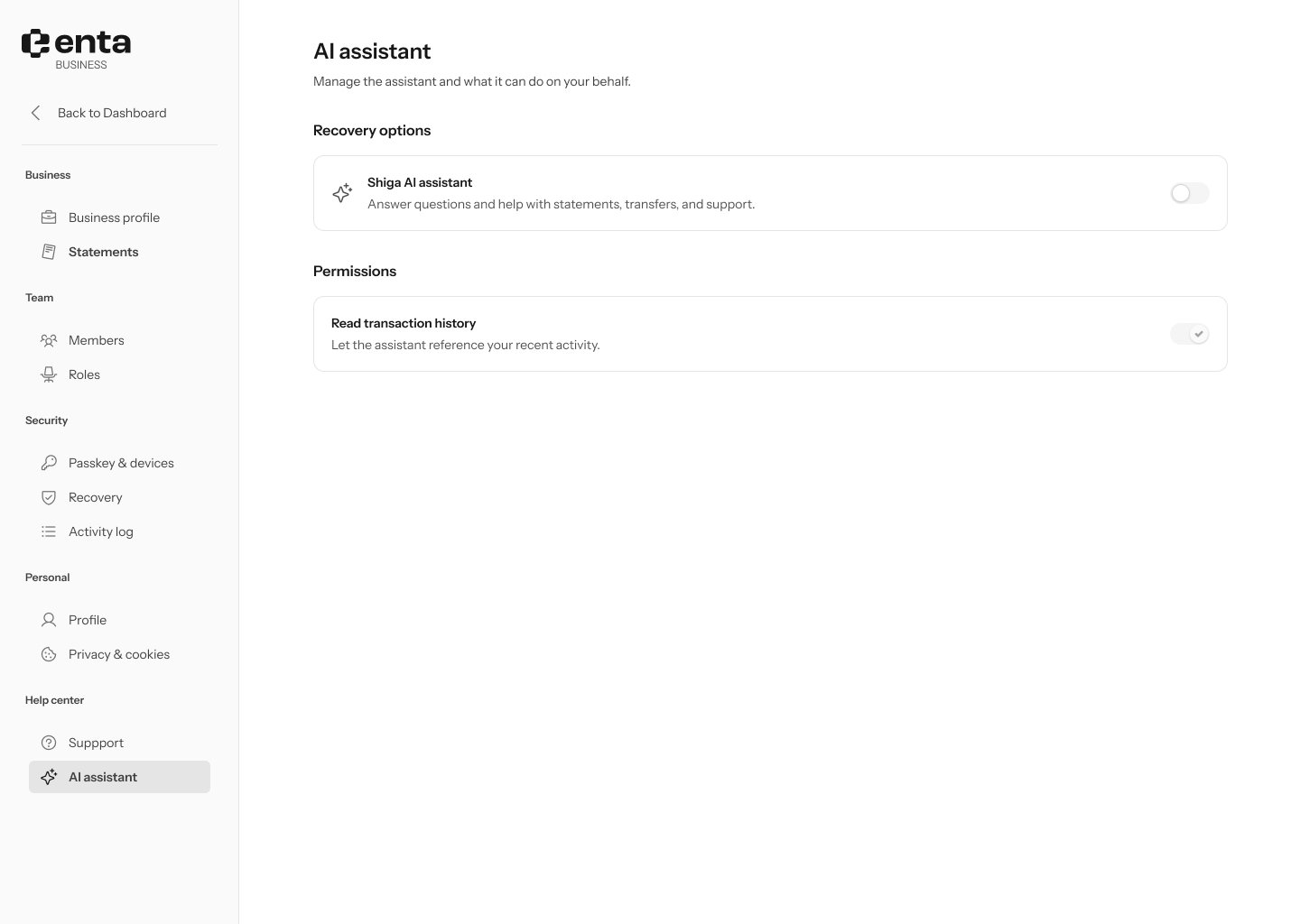
Toggle **Shiga AI assistant** on to let it answer questions and help with statements, transfers, and support — off by default.
## Permissions
**Read transaction history** — lets the assistant reference your recent activity so it can give more useful answers.
This works the same way as on an individual account.
## Assistant
Toggle **Shiga AI assistant** on to let it answer questions and help with statements, transfers, and support — off by default.
## Permissions
**Read transaction history** — lets the assistant reference your recent activity so it can give more useful answers.