> ## Documentation Index
> Fetch the complete documentation index at: https://docs.entashiga.io/llms.txt
> Use this file to discover all available pages before exploring further.
# Payment Links Overview
> What payment links are, how to reach them, and where to find each flow.
# Payment Links Overview
A **payment link** is a shareable URL that lets you request money from anyone — even someone with no Enta account. When they open the link, they see exactly what's being asked for and pay you directly; the money settles into your Shiga wallet, an external wallet address, or a bank account, depending on how you set the link up.
## Access your Payment Links
Click **Payment links** in the left sidebar of your dashboard.
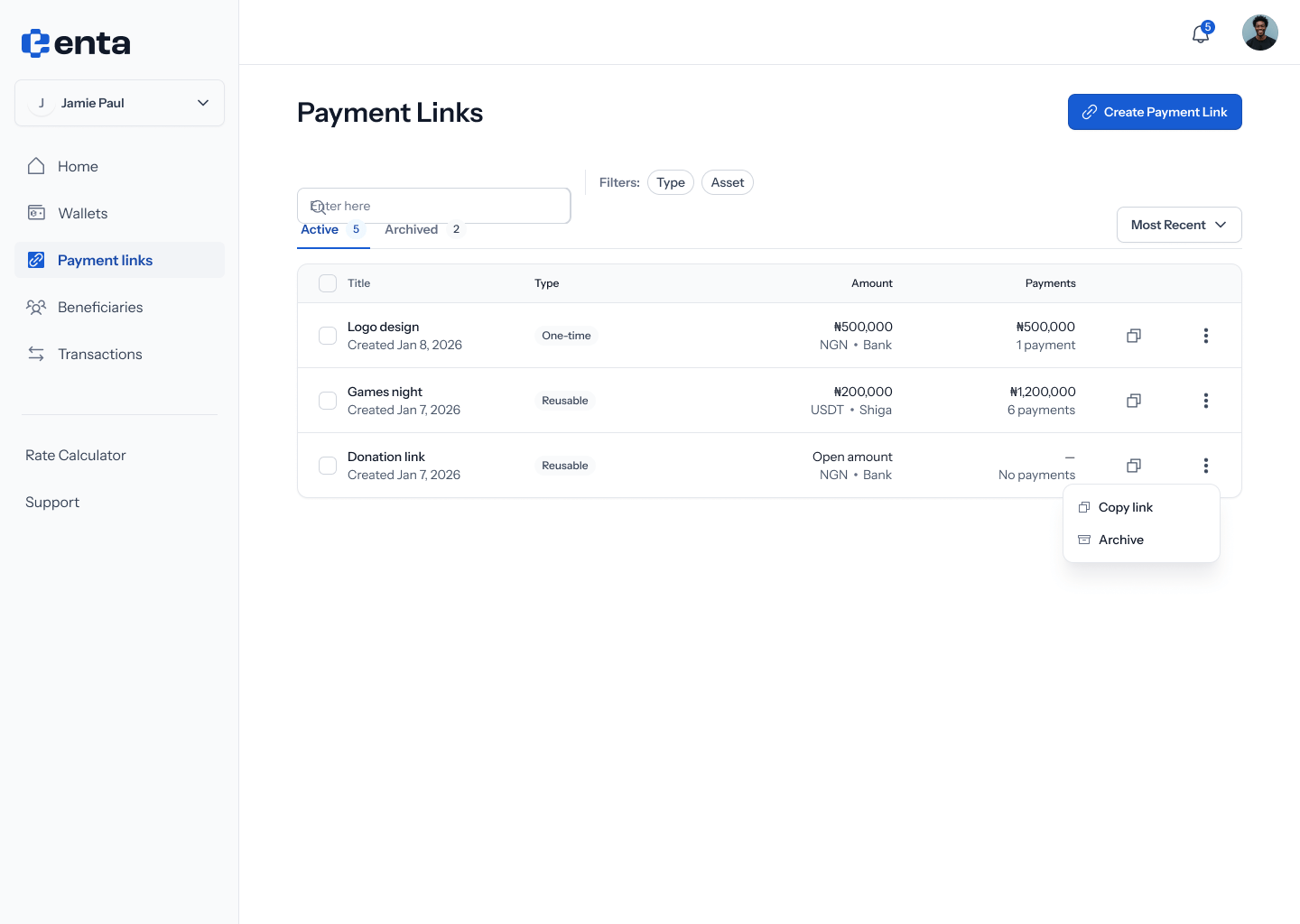
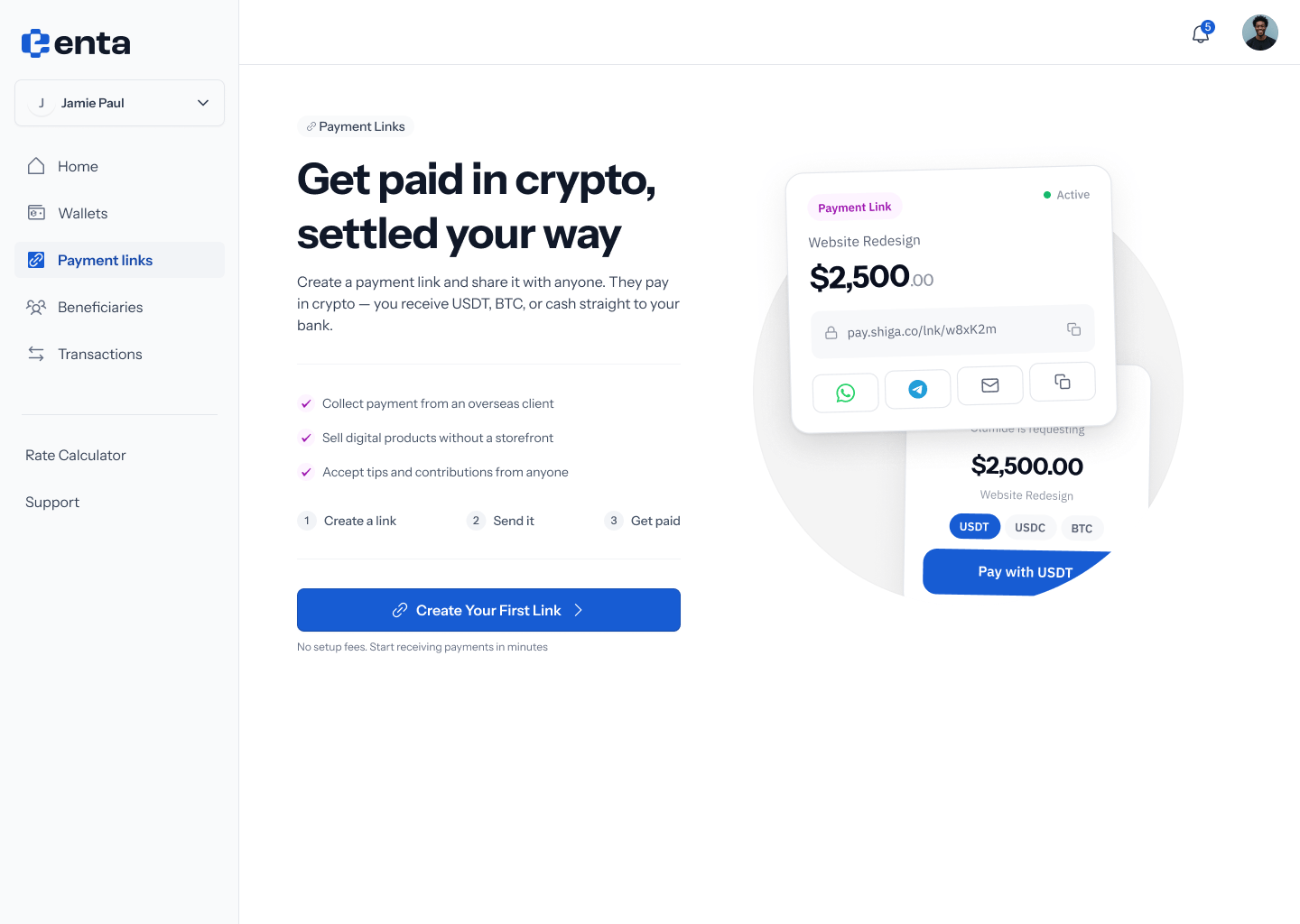 This opens your full list of links — filterable by **One-time** / **Reusable** and **Active** / **Archived** — with a **Create payment link** button to start a new one.
 ## What you can do here
There are two ways to create a link, depending on whether you're requesting a specific amount from a specific person or something you'll reuse:
* [Create a One-Time Payment Link](/Product/Paymentlinks/onetime) — request a fixed amount from one person; the link expires once it's paid.
* [Create a Reusable Payment Link](/Product/Paymentlinks/reusable) — share a link that can be used again and again, for any amount or one you fix in advance.
Once a link exists, you can check on it or change its state:
* [Payment Link Details](/Product/Paymentlinks/details) — see a link's status, settlement info, and full payment history.
* [Archive a Payment Link](/Product/Paymentlinks/archive) — stop a link from accepting payments without deleting it.
* [Restore a Payment Link](/Product/Paymentlinks/restore) — bring an archived link back to active (note: a one-time link that's already been paid can't be restored).
## What you can do here
There are two ways to create a link, depending on whether you're requesting a specific amount from a specific person or something you'll reuse:
* [Create a One-Time Payment Link](/Product/Paymentlinks/onetime) — request a fixed amount from one person; the link expires once it's paid.
* [Create a Reusable Payment Link](/Product/Paymentlinks/reusable) — share a link that can be used again and again, for any amount or one you fix in advance.
Once a link exists, you can check on it or change its state:
* [Payment Link Details](/Product/Paymentlinks/details) — see a link's status, settlement info, and full payment history.
* [Archive a Payment Link](/Product/Paymentlinks/archive) — stop a link from accepting payments without deleting it.
* [Restore a Payment Link](/Product/Paymentlinks/restore) — bring an archived link back to active (note: a one-time link that's already been paid can't be restored).